NeoMusic 0.8.0: Widgets, Artwork Resolution, and Accessibility
30 мая 2026 г.
Home screen widgets in three sizes, tap-to-fullscreen artwork, a settings search bar, accessibility toggles, and a music detection fix.
This update is a bit of a mixed bag. Some of it is the kind of thing people have been asking for since the early releases, some of it is stuff I wanted for myself, and one of it is a bug fix that I'm mildly embarrassed took this long to land. Either way, 0.8.0 has a lot going on.
Home Screen Widgets
I kept putting this one off because widgets on Android are notoriously annoying to build. The API is old, the layout constraints are weird, and there's no Compose for anything before Glance, which has its own set of quirks.
But I got through it, and NeoMusic now has three home screen widgets: a slim 4x1 strip, a more detailed 4x2 panel, and a compact 2x2 square. Each one shows the current track, artwork, and playback controls. You can throw whichever size fits your setup on the home screen and skip opening the app for quick controls. The aesthetic stays consistent with the rest of NeoMusic, which was the other half of the work.
Artwork Resolution
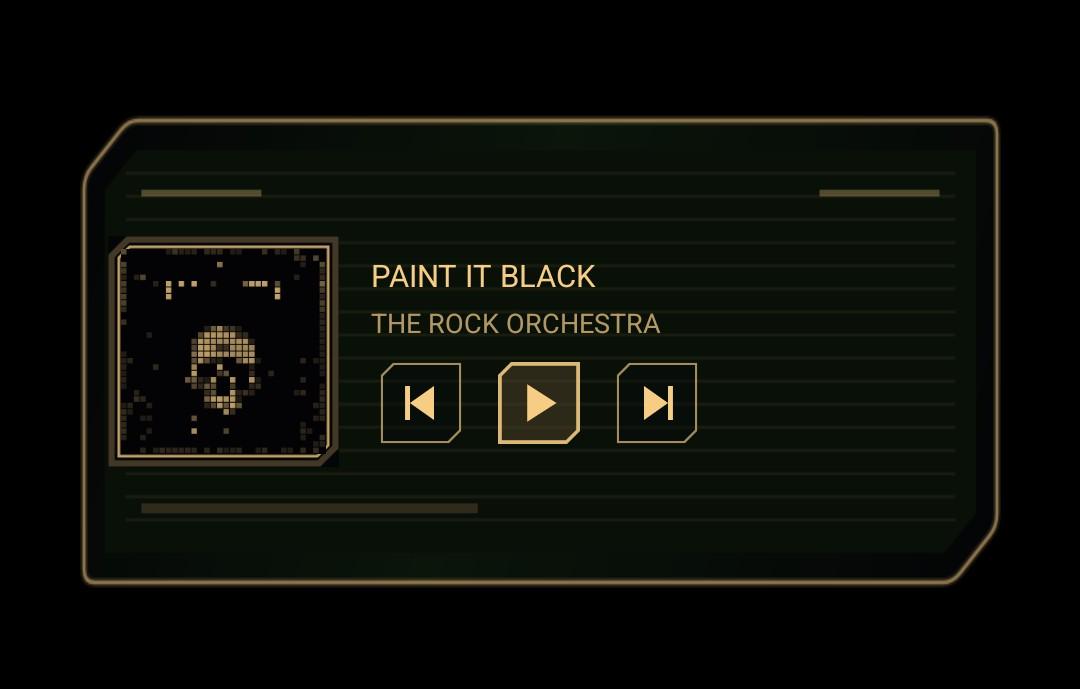
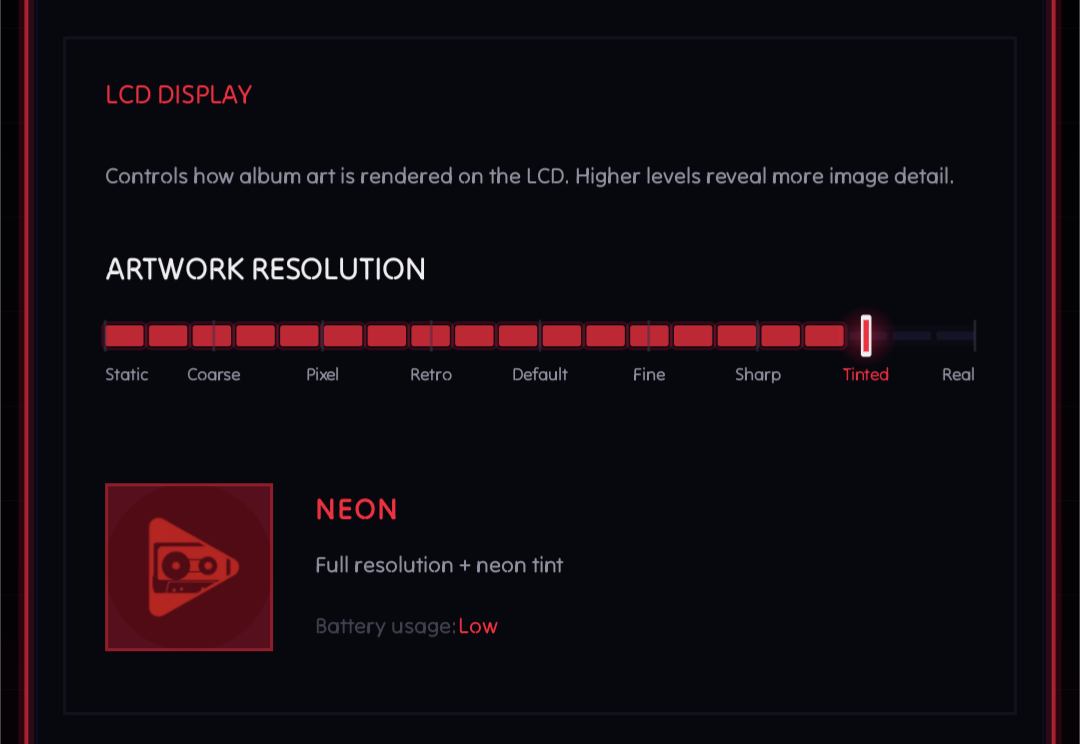
The artwork in the main player now has a detail level setting. There are nine levels, ranging from a single static color all the way up to the original artwork. The top two levels, REAL and a tinted variant of it, are actually the cheapest to render since they just display the bitmap as-is. It's the middle levels, especially SHARP, that hit the battery hardest because those are doing actual pixel processing on the fly.
The setting only applies to the player screen. I wanted to extend it to list views too, but the higher detail levels have real performance issues when shown in fast-scrolling lists, so that's staying player-only for now. If you notice the player feeling warm, dropping a pixelation level makes a noticeable difference.
Full-Screen Artwork
This one is small but I missed it every time I was in the player.
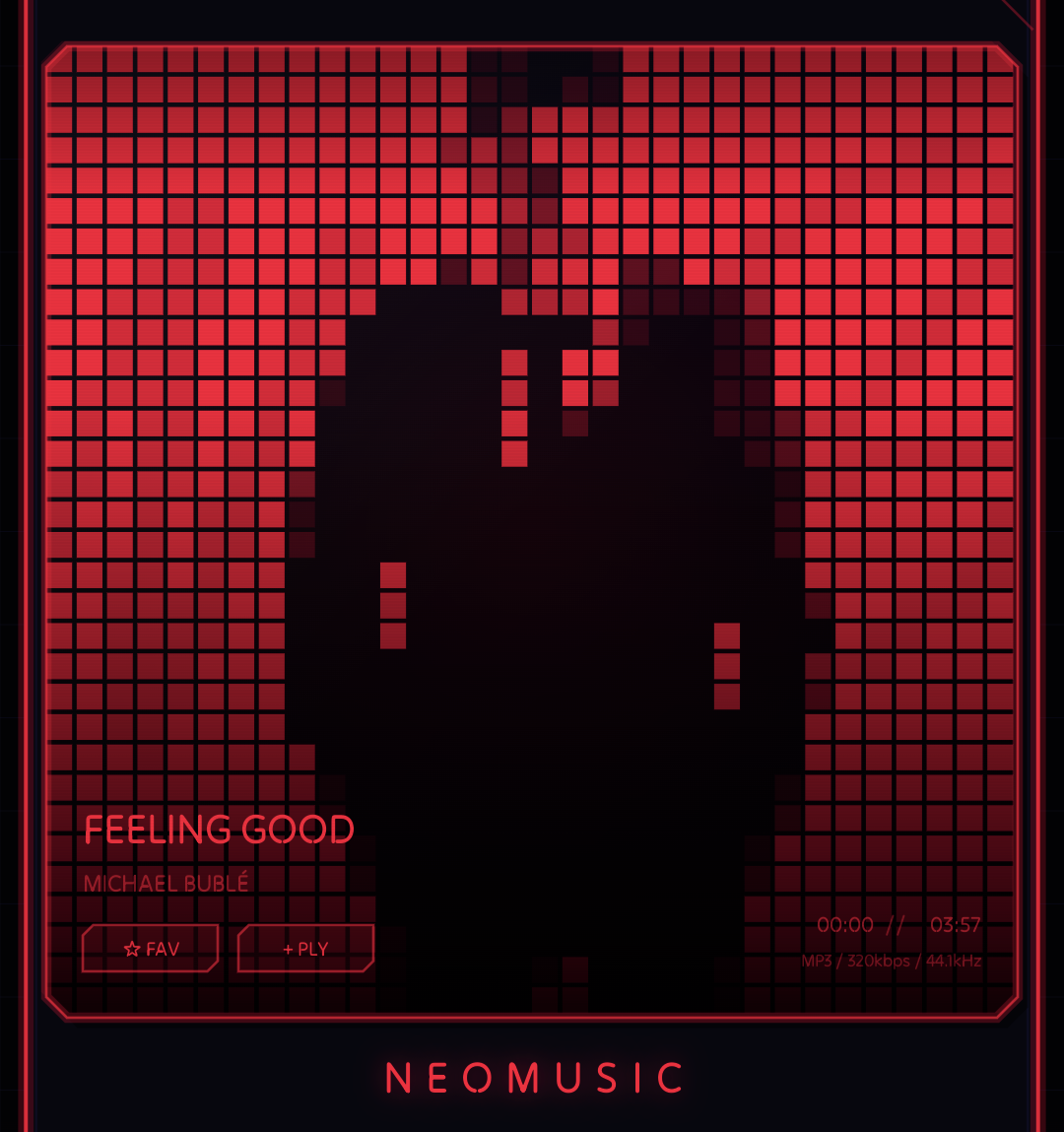
Tapping the album artwork in the player now expands it to full 'LCD' screen. And the other details shown on the side are now shown in an overlay at the bottom of the artwork. This is actually great with the artwork resolution set to a higher level. Also, the full screen state is remembered across restarts so you don't have to keep doing the same everytime you open the app.
Accessibility Settings
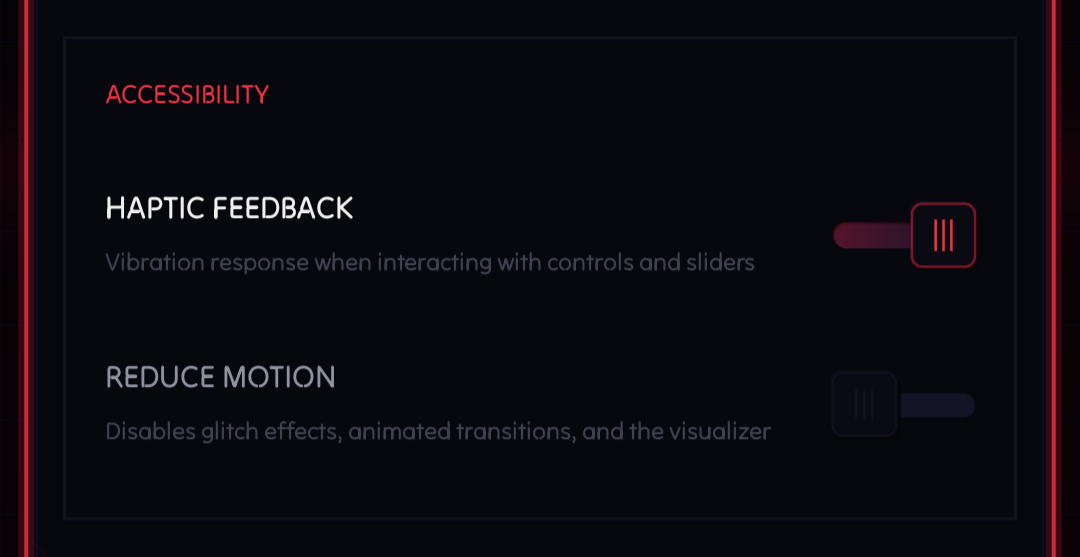
NeoMusic uses haptics in a few places: button presses, seek interactions, certain transitions. And the app has a fair amount of motion, especially the glitch and flicker animations that might trigger photosensitivity(?) in some people.
Both of those are turned on by default, but 0.8.0 adds toggles to disable them. Haptics off if you don't want the phone buzzing. Reduce motion if the animations feel like too much. These are under the new Accessibility section in settings. They do not change how the app works, just how it feels. For the people who need this, it was probably overdue.
BTW, this was added because one of my friends has photosensitivity. She doesn't use this app, but made me realize that it's an important consideration for the app.
Settings Search
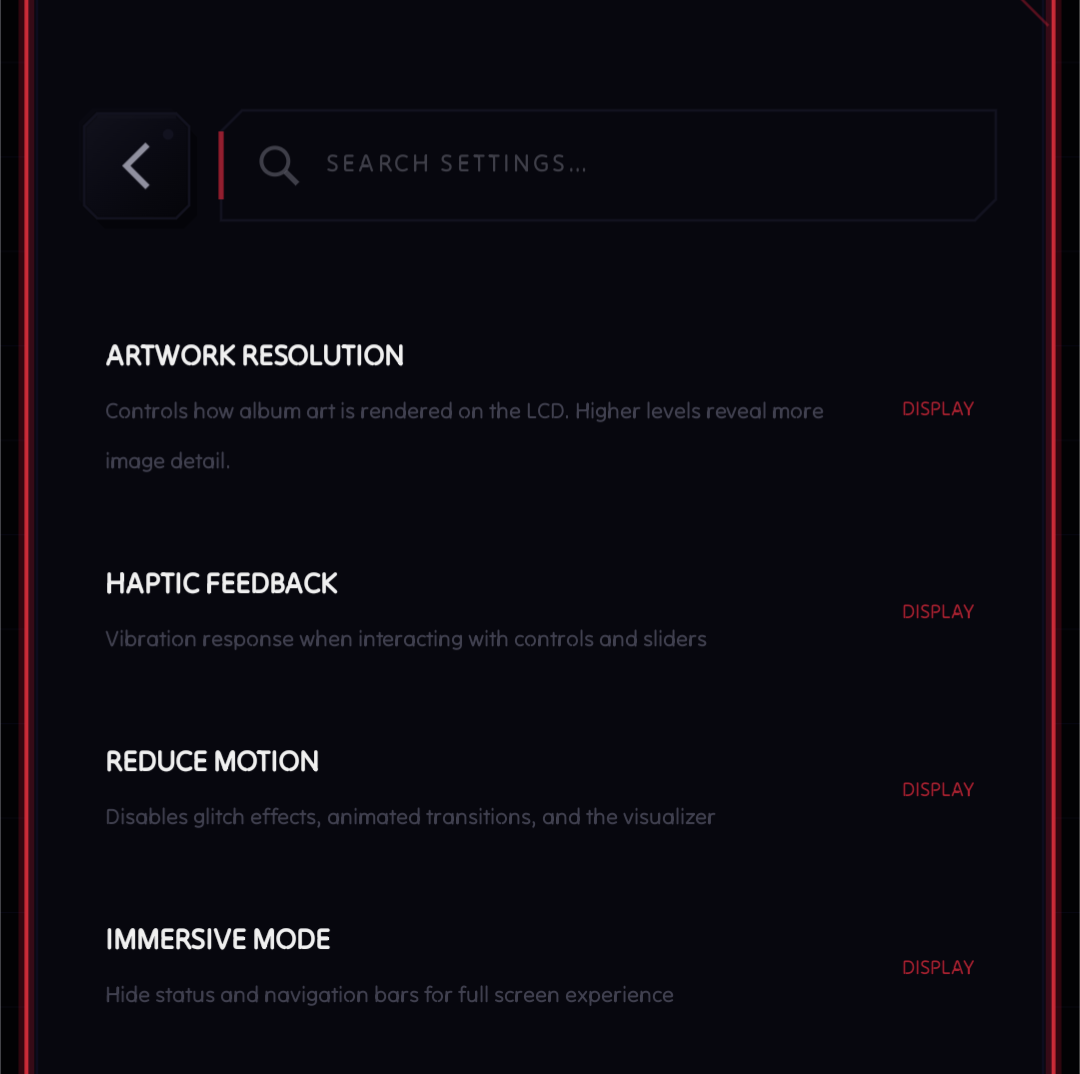
NeoMusic has accumulated a lot of settings. There are sections for playback, display, library, lyrics, equalizer, premium features, accessibility, and a few other things. If you know what you're looking for and you haven't been in the settings menu in a while, finding it takes more scrolling than it should.
0.8.0 adds a search bar at the top of the settings screen. Type a keyword and it filters to matching options instantly. The implementation is straightforward, but it makes navigating the settings feel much less like archaeology. It'll be a good addition until I remember to update the search index manually.
Duration Display
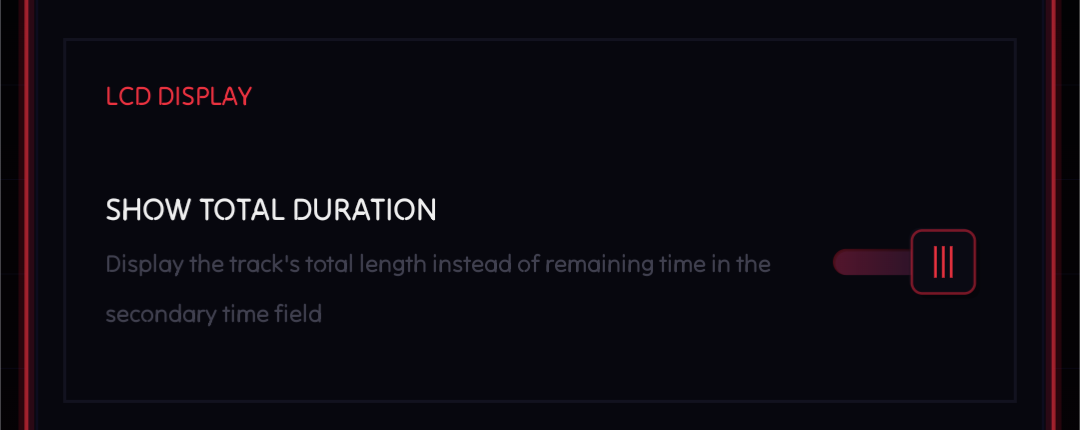
The secondary time display in the player used to always show remaining time. Now it shows the total time instead. You can still toggle it to show the remaining time. I personally prefer total time, so I may have been slightly motivated to ship this one.
There was also a bug fix: music files were not being detected on some devices. The cause was that the bitrate
column in MediaStore is only available from API 30 (Android R) onwards, and the query was being built the same way
regardless of API level. Devices below that just silently got nothing back. Fixed by making the column conditional
on the API version. If your library felt incomplete before, give it another scan-oh... I have to implement that.
Well just remove and add the included folder(s) for now. It'll trigger a rescan.