NeoMusic 0.9.0: Artists, Batch Select, Knobs, and a Faster Visualizer
2026년 6월 13일
A holographic Artist screen, batch playlist management, swipeable mini-player, smarter sorting, and configurable premium knobs.
This update has been sitting in my head for a while. Not because I didn't know what to build, but because I kept adding one more thing to the list before I was willing to ship it. Artist screen, batch select, mini-player gestures, sorting improvements, a faster visualizer, and the knobs rework. That's a lot of moving parts to get feeling right at the same time.
But here we are. 0.9.0 is out.
The Artist Screen
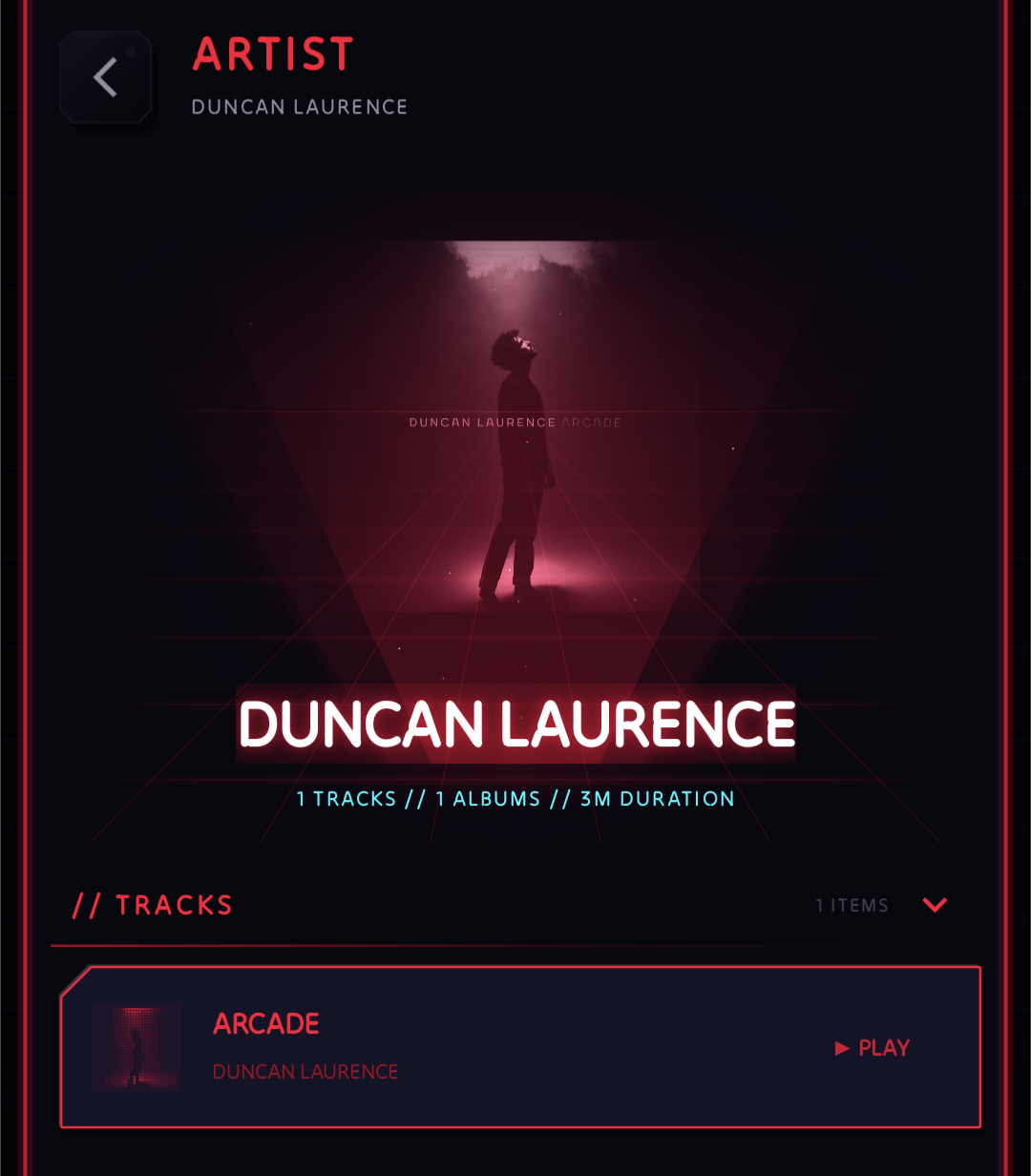
This was a long time coming. NeoMusic had artists in the library list, but tapping on one just gave you a filtered track view. That's functional, but it doesn't fit what the rest of the app is trying to be.
The new Artist screen is properly holographic. It pulls the artist image, renders it with depth and layering, and gives the whole screen a feel that's closer to a profile than a list. The blurred background, centered artwork with the neon depth effect, and the track list underneath make it a screen where you stop and look for a second before scrolling down. Which is exactly what I was going for. You can get to it by tapping the artist name anywhere in the app.
Batch Select for Playlists
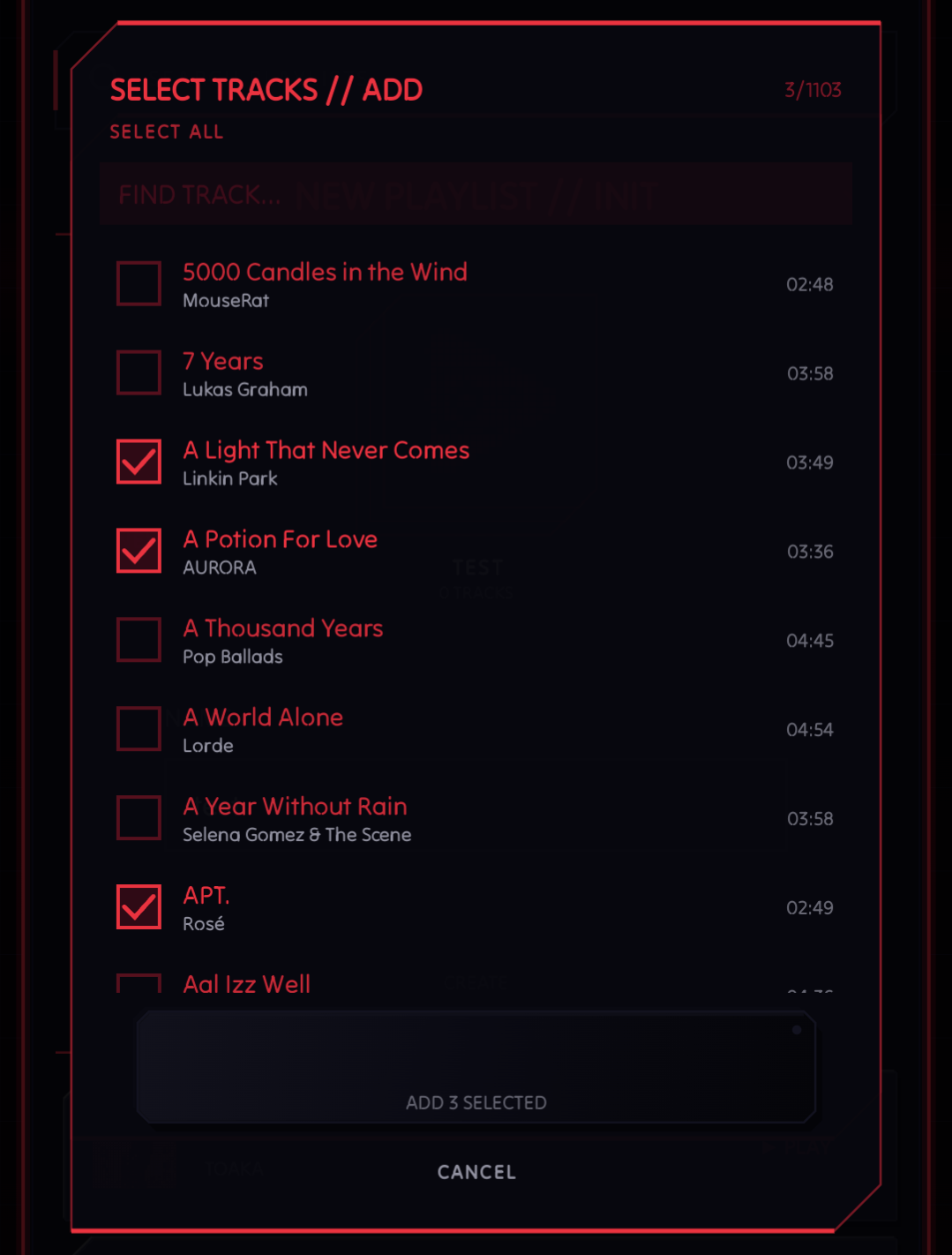
I don't use playlists much so batch selection completely slipped my mind. 0.9.0 adds batch selection across the library.
The counter at the top right updates as you select, and the ADD N SELECTED button at the bottom stays out of your way until you're ready. No floating Material checkboxes, no bottom sheets that feel like a different app accidentally got embedded in this one.
This makes playlist management actually usable at scale. If you're building a new playlist from a big folder of tracks, you don't have to do it one by one anymore.
Mini-Player Got Some Moves
The mini-player at the bottom of the screen was fine, but it was passive. You could tap to expand and that was about it.
0.9.0 adds swipe gestures for next and previous, and a proper expand/collapse animation. Swipe left to skip forward, swipe right to go back, swipe up to open the full player. The whole thing is compact enough that the artist name, track title, playback controls, and the visualizer pulse all fit in one thin strip without feeling cramped. It makes the mini-player feel like a real control surface instead of just a persistent bar sitting at the bottom.
More Sorting Options
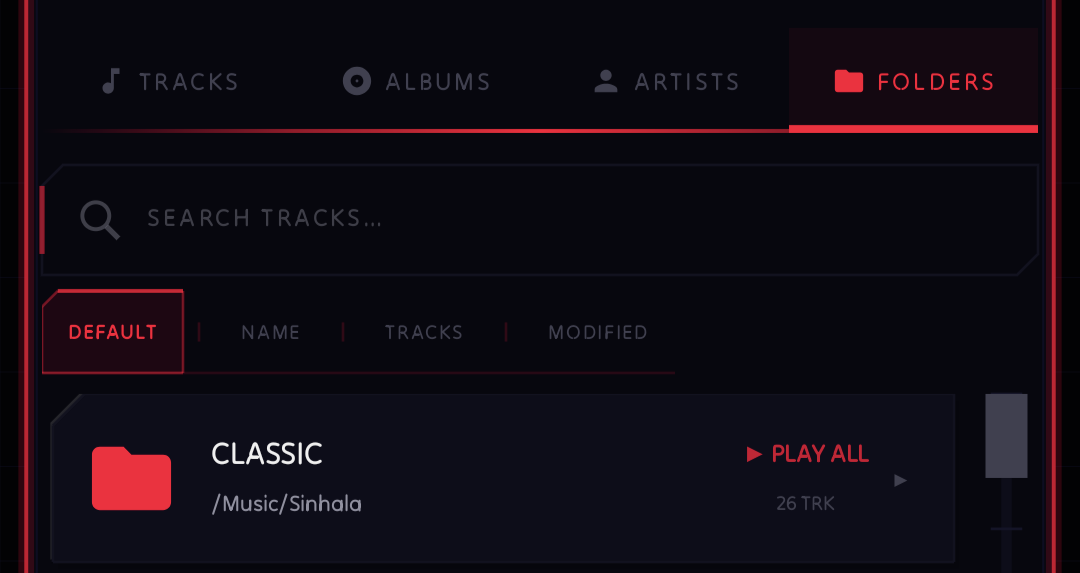
Sorting in the library was limited before this update. Only the Tracks tab had sorting options.
0.9.0 extends the sorting panel with new options for Albums, Artists, and Folders tabs. You can now sort by different fields and flip the direction as usual. The sort options are exposed directly in the list header, so it's one tap away whenever you need it.
Faster Visualizer
The spectrum visualizer is the thing that started this whole project. So when I noticed performance degradation at certain buffer sizes and refresh rates, I couldn't leave it alone.
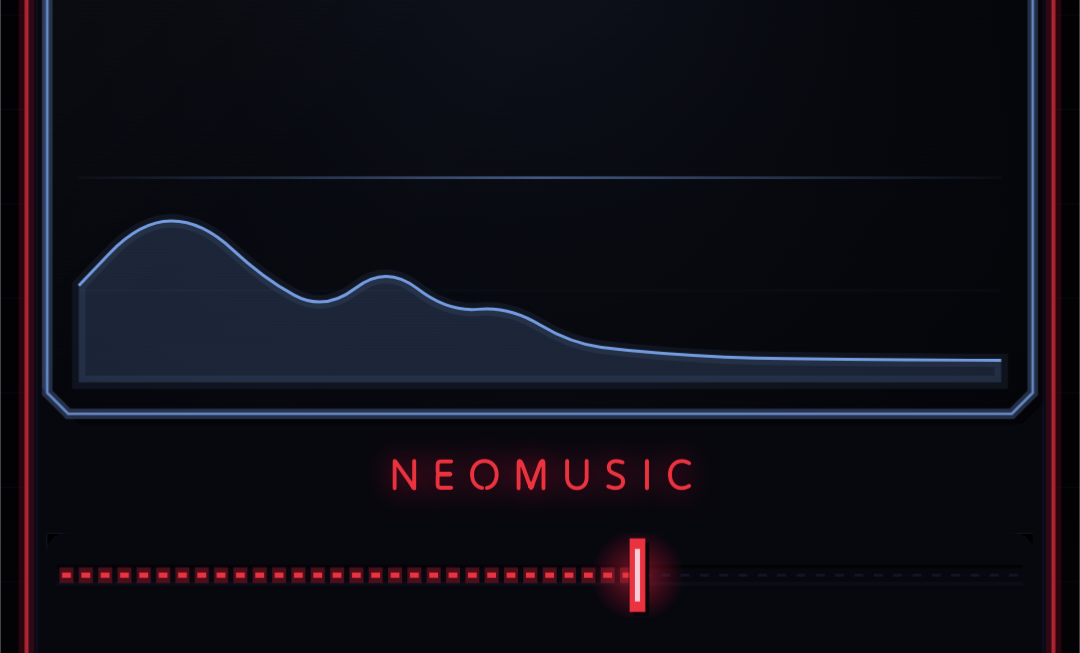
0.9.0 has an optimized rendering path for the spectrum analyzer. The real-time processing is leaner, which means the visuals stay smooth even on mid-range hardware. If you've ever seen the bars stutter slightly during a track with heavy low-end, that should be gone now. Looks the same as before, which is the point. You should only notice the difference on devices where it used to stutter.
[Premium] Configurable Knobs
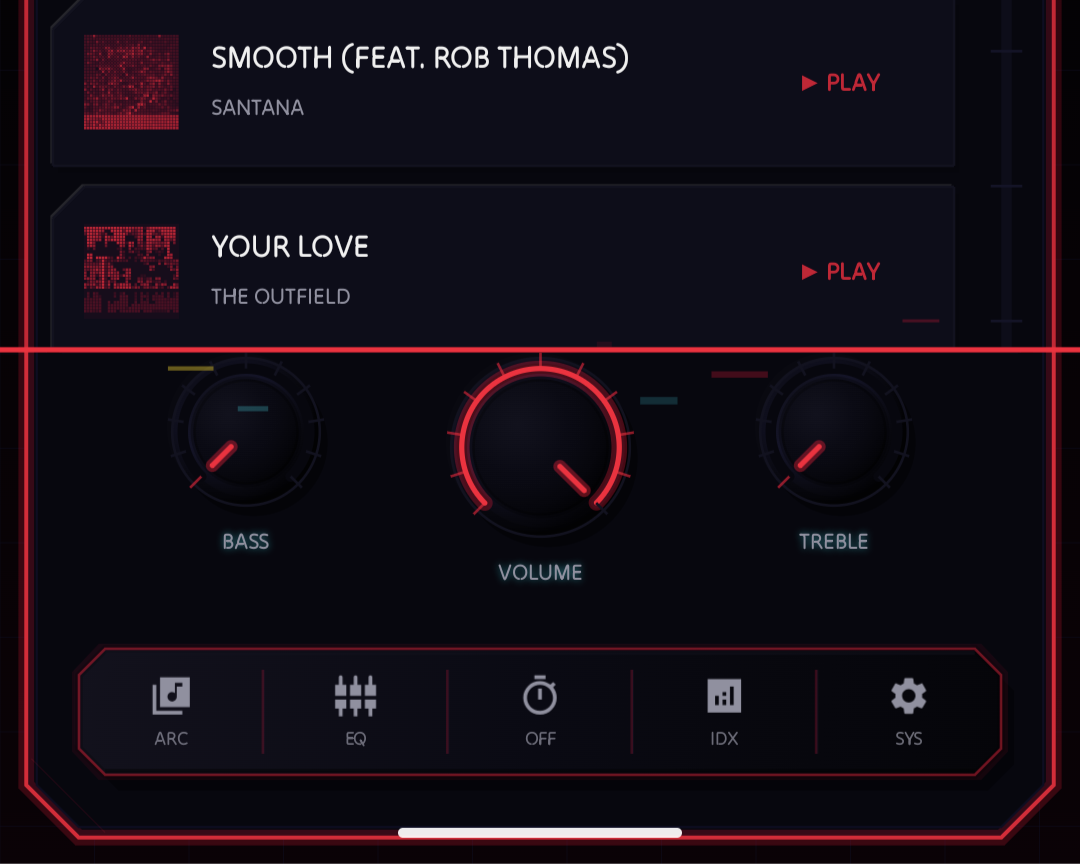
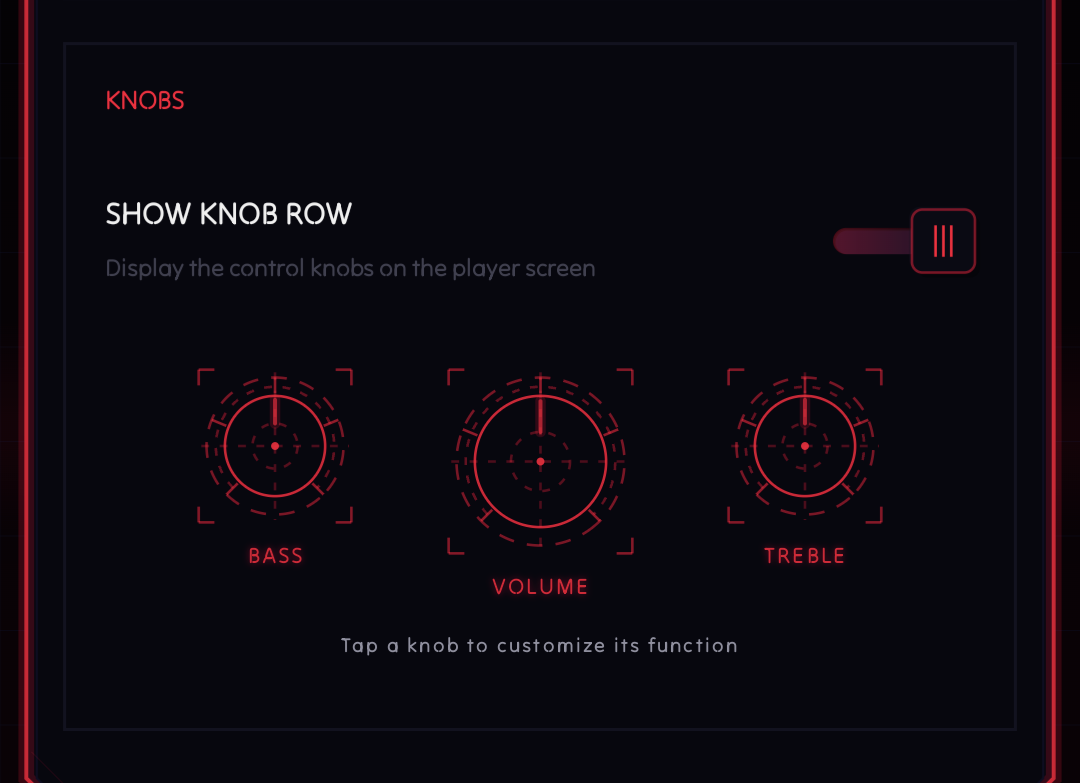
NeoMusic has had the rotary knob controls for a while, but they were fixed. Every knob did the same thing.
0.9.0 changes that. You can now assign different functions to each knob independently under Playback Settings. EQ gain, playback speed, volume, pitch, bass boost, you pick what each physical-style control maps to. This is a premium feature, because it's the kind of deep personalization that goes beyond the core playback experience. Plus it took far too many hours than I would like to admit, to design that utterly useless, cool blueprint look.
That's 0.9.0. A lot of surface area in this one. The next thing on my list has been sitting in the backlog long enough that I'm not going to mention it here until it's actually shipping.