NeoMusic 1.0.0: Tag Editor, Playlists, and a Proper 1.0
2026年6月27日
A tag editor with album art generation, M3U playlist import/export, seekable mini-player, queue management upgrades, visualizer alignment options, and prestige modules.
This is the biggest update to NeoMusic to celebrate the first "stable" release. Happily, I'm not using quotation marks because it's unstable. It's actually because the versions so far were also fairly stable - 0.20% crash rate is pretty good, wouldn't you say?
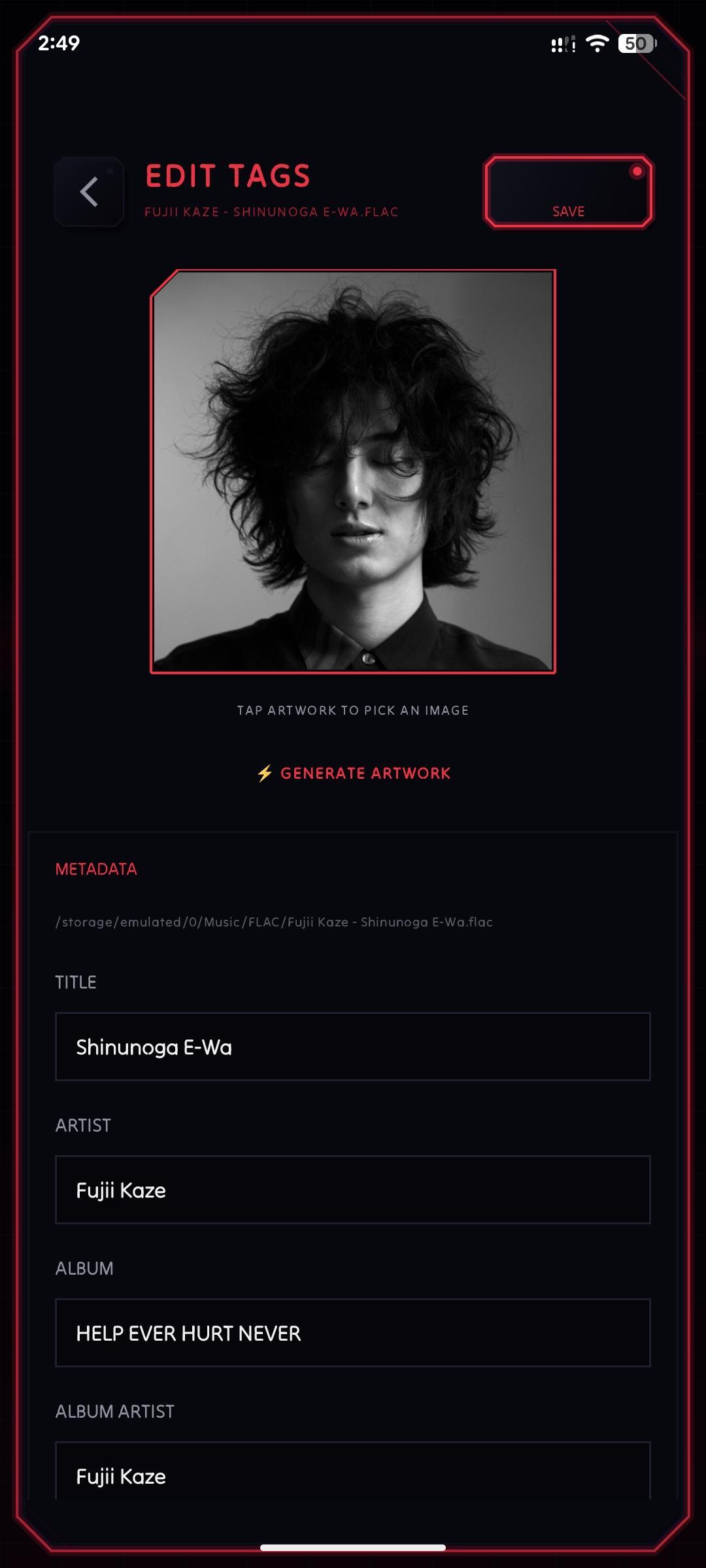
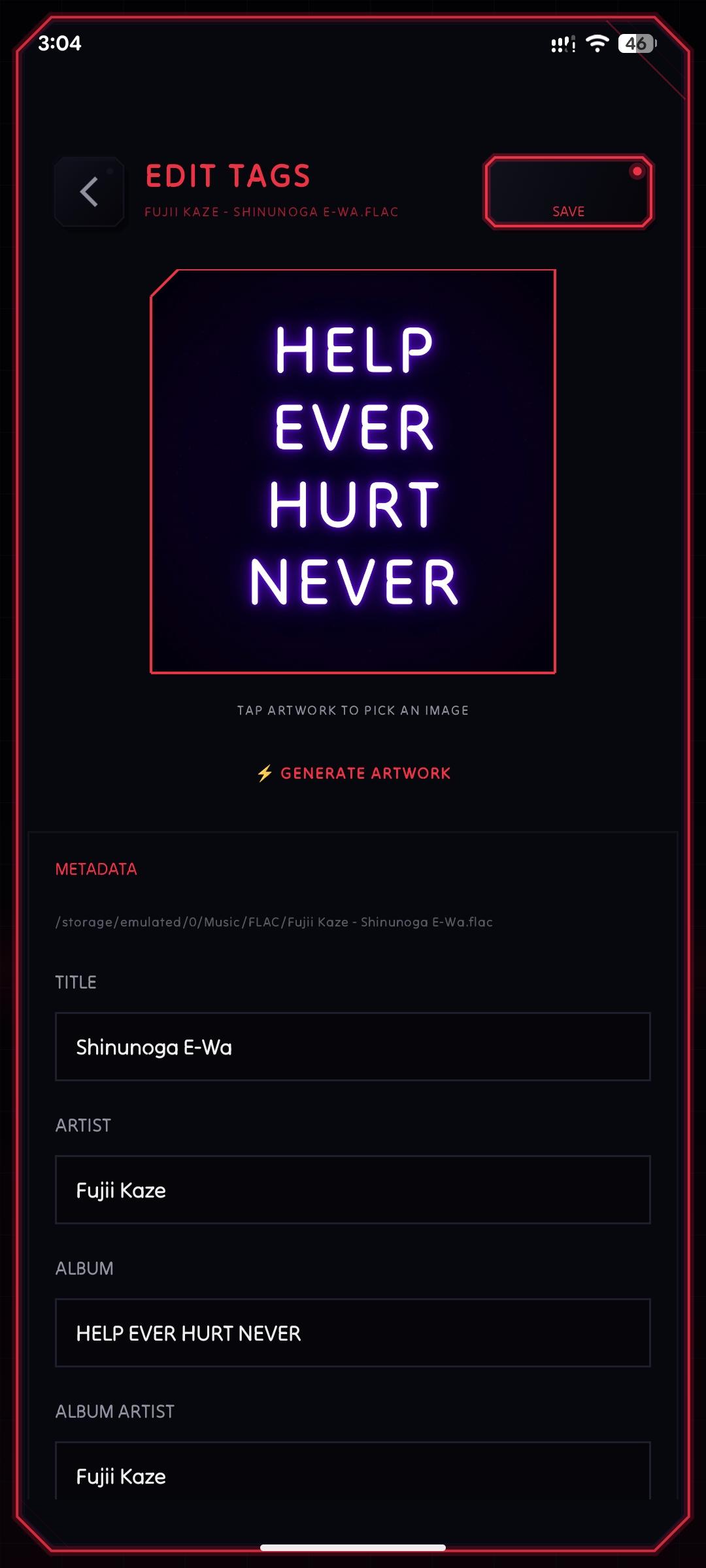
Tag Editor
The tag editor is finally here so you won't need to leave the app to edit metadata anymore. And there's a twist! If you're listening to some obscure music without artworks, you can generate one right from the app. However this is one of there rare instances where you'll see the word 'generate' not coupled with AI. Because the artwork is generated in neon style seeded by the album name. So it's deterministic, meaning the tracks from the same album would get the exact same artwork.
Import and Export Playlists
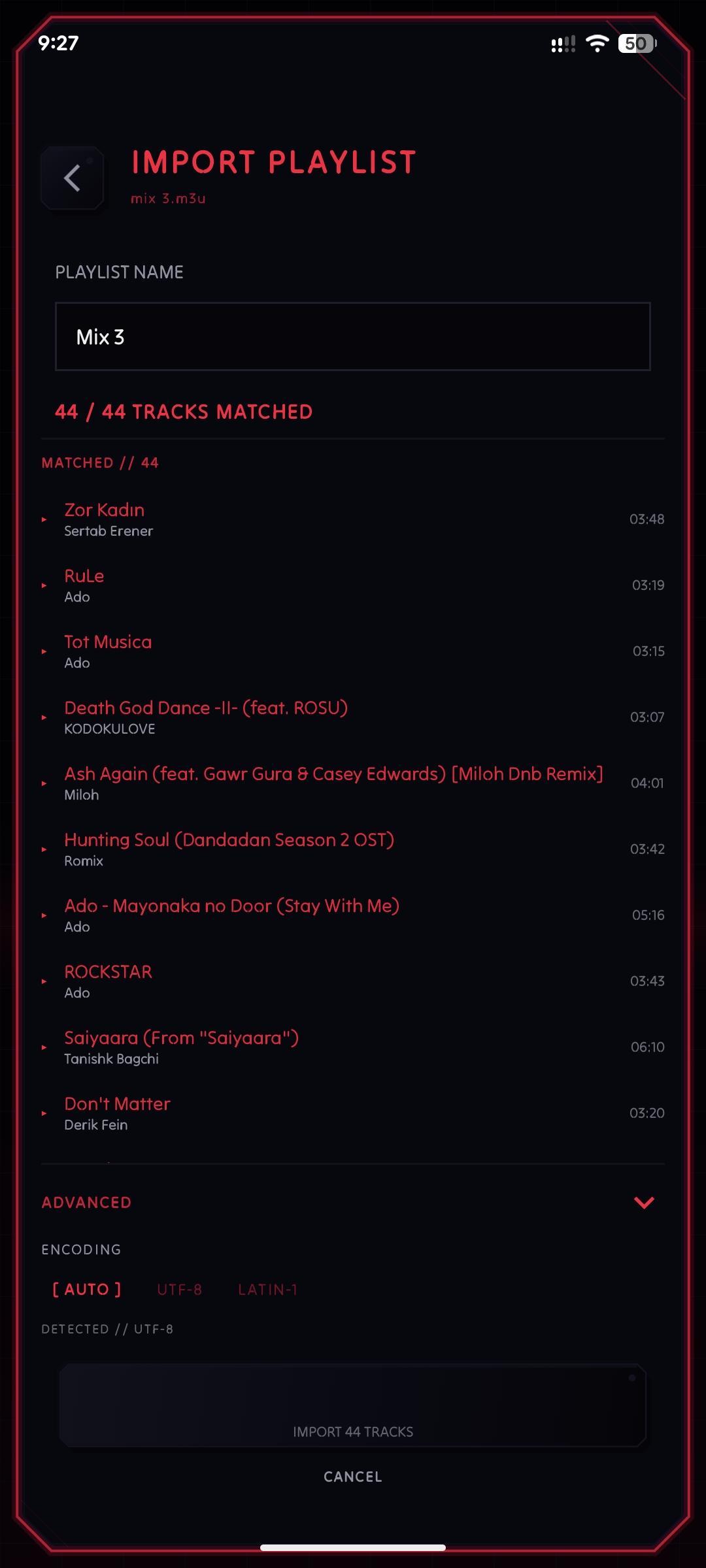
NeoMusic playlists are now portable. You can export any playlist as an M3U or M3U8 file and import those same files back in, or import ones you created in another app. You can also scan a whole folder to import all the playlists in one go. So now switching to NeoMusic from another player is a breeze.
MiniPlayer Progress Bar
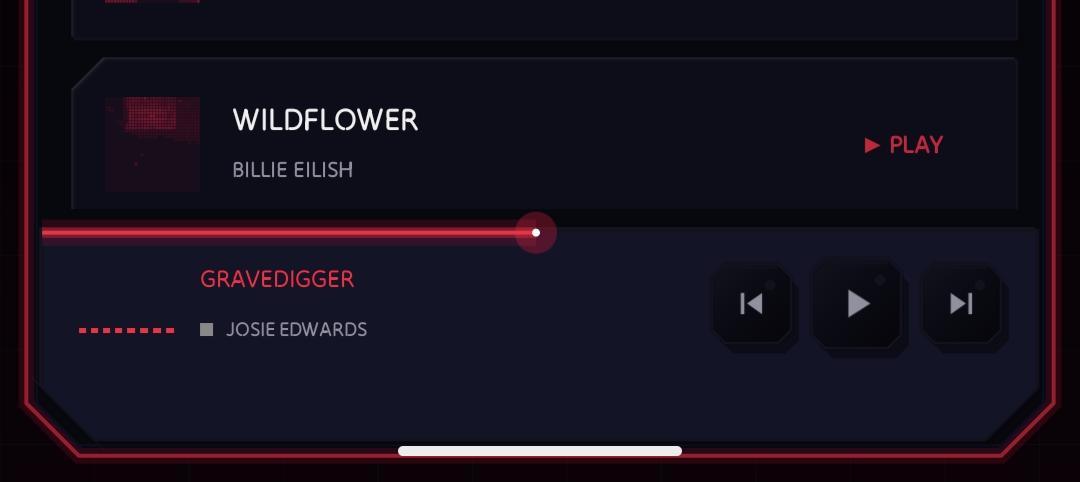
The progress bar in the mini-player is interactive, same as the one in the full player. You can scrub directly from the collapsed state without having to open the full player.
Queue Management
Two queue features landed in this update. First, you can save the current playback queue as a playlist. If you've built something good through a shuffle session or manual queuing, you can preserve it instead of letting it disappear when you close the app.
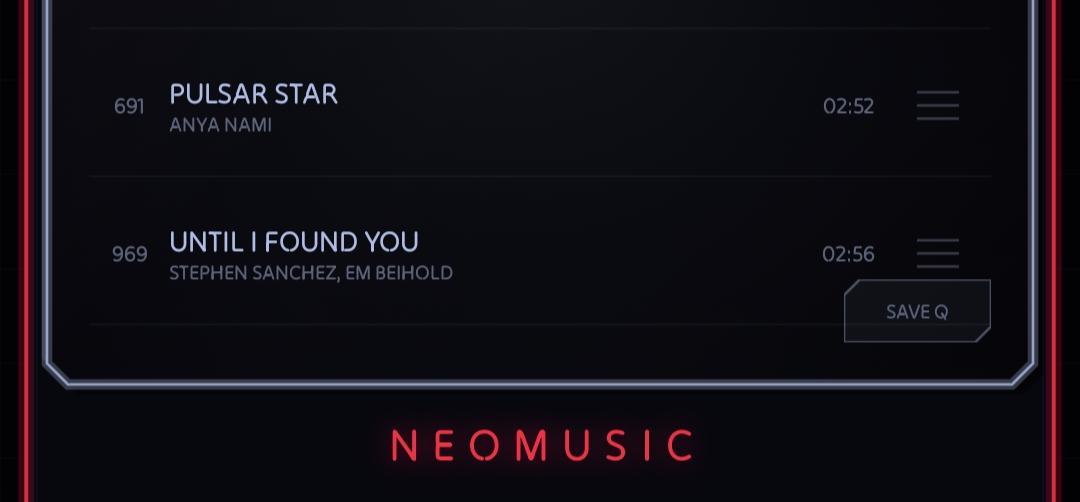
'Play After n Tracks' is another addition for queues. I don't really understand how to explain that feature but I use it a lot. So try it out by expanding a track from Archive screen. It will only appear after you've added a 'Play Next' track already.
Shuffle FAB
A proper shuffle button is a feature I can't believe didn't make it to the player until now. There were favourites shuffle, playlist shuffle, and the shuffle button in the front of the player, yet still no way to 1-tap shuffle. Now it's here, along with a couple of more additions.
When you just tag the button, it'll act as a regular shuffle. But if you long-pressed it, you'll get the options to shuffle favourites only from right there, shuffle just the search results within the Archive screen, or shuffle everything and append it to the end of your current queue, if you're going for a long session without wanting to repeat the queue.
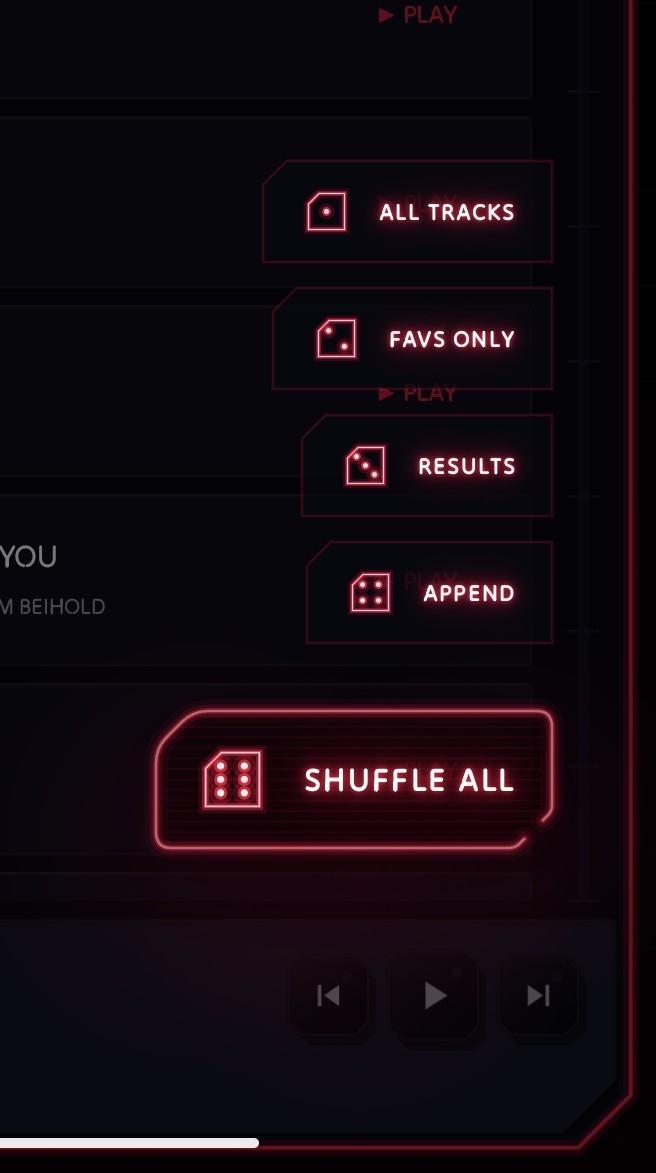
I also thought of going for a unique design for the button itself, of course. Instead of a regular shuffle icon, I used a die (it's a die, not dice, right?). And the expanded items has different faces of a die.
Visualizer Alignment
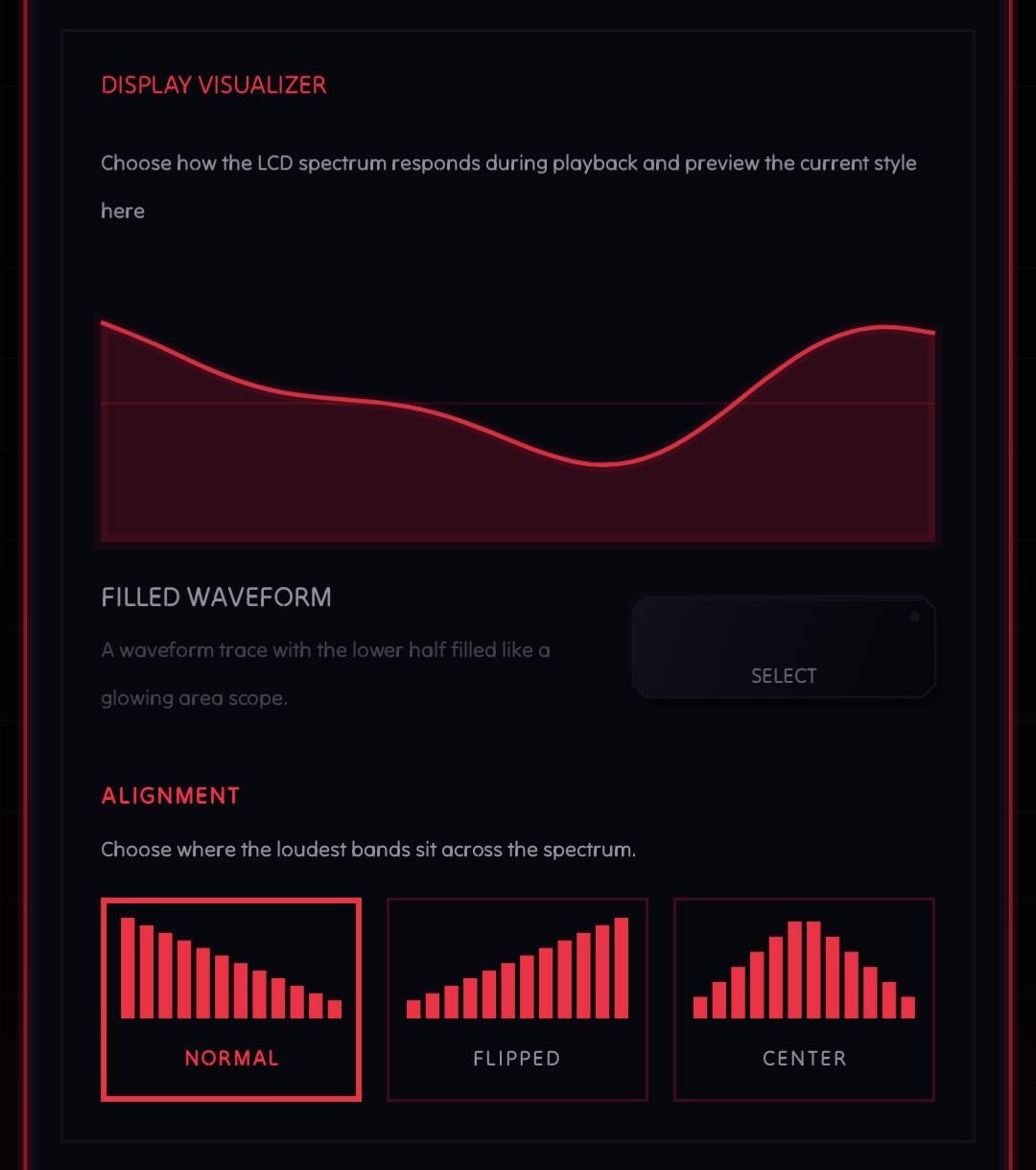
The spectrum visualizer now supports three alignment modes: Normal, Flipped, and Center. Sometimes I feel like the right side of the visualizer barely reacts and looks lonely. If you also feel like that, you can flip it once in a while. Or if you're a left handed? And you can make it centered, means the peaks are almost always at the center, if you're OCD.
Library and File Handling
A few smaller additions that should have been there earlier. There's now a manual refresh button in the library screen so you can trigger a rescan without going into settings and toggling a folder. Tracks can now be deleted directly from device storage within the app. And NeoMusic can now open audio files directly from external file managers, so if you're browsing files and want to play something, you can open it in NeoMusic without navigating to it through the library.
Prestige Modules
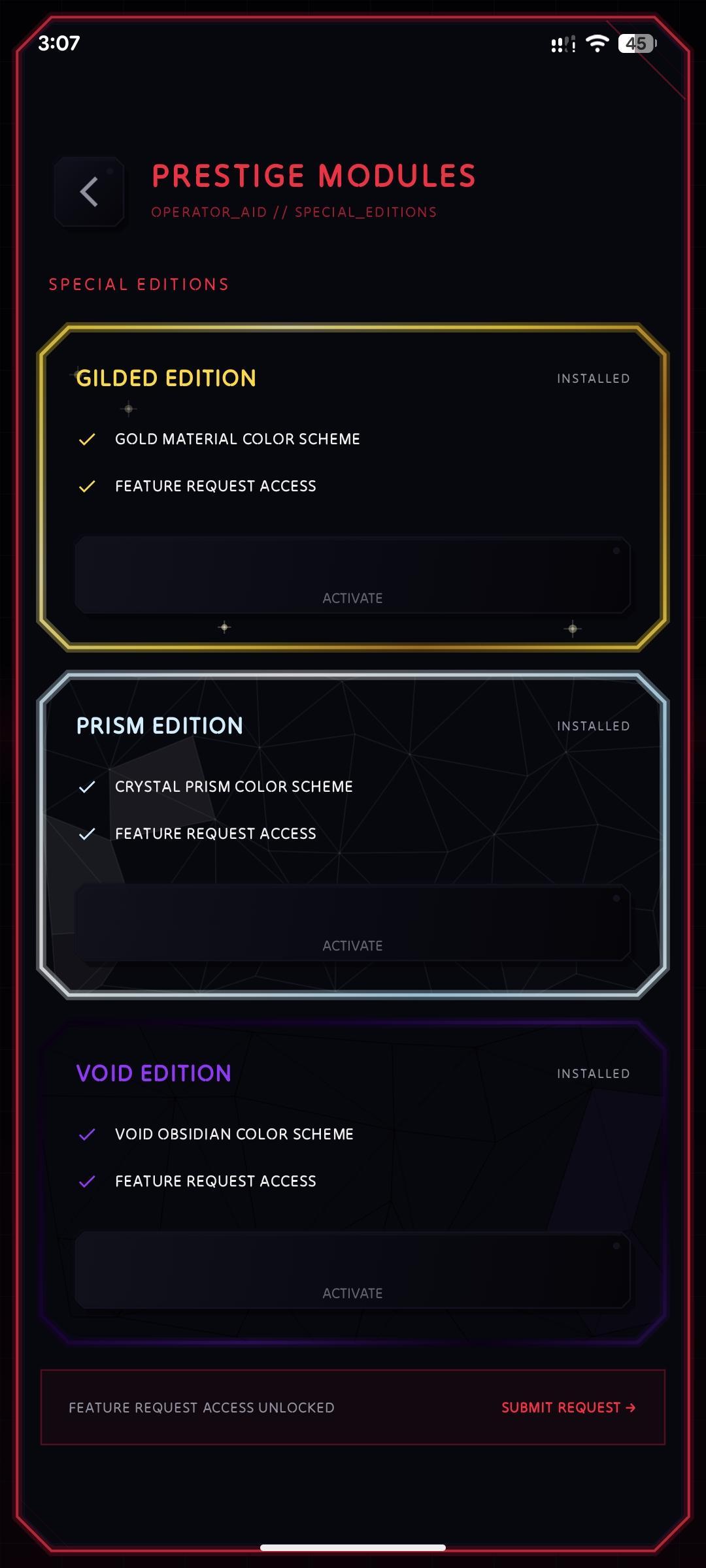
NeoMusic has always been free to use with optional premium features. Prestige modules are a new way to support the app's development without gating anything new behind a paywall. They're cosmetic and collectible, and buying one goes directly toward keeping the app going.
[Premium] Custom Logo
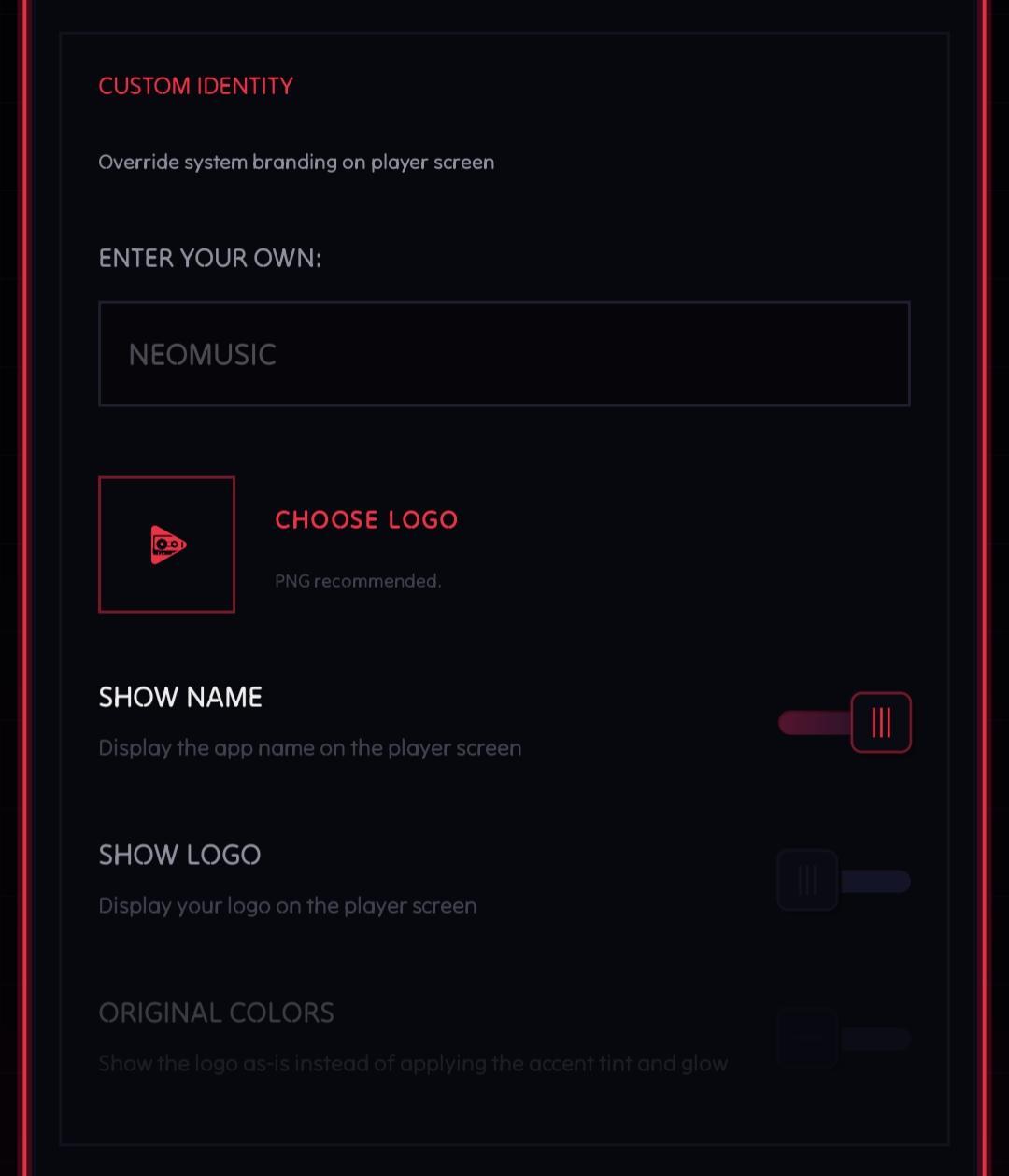
You can now set a custom logo image that appears on the player screen. The logo sits in the same position with the same neon treatment, so it integrates cleanly rather than looking pasted on. But you'll have to use a PNG with transparency for that. If you don't have one or wanna show the colors, you can toggle a setting below it to do so.
[Premium] Custom Swipe Action
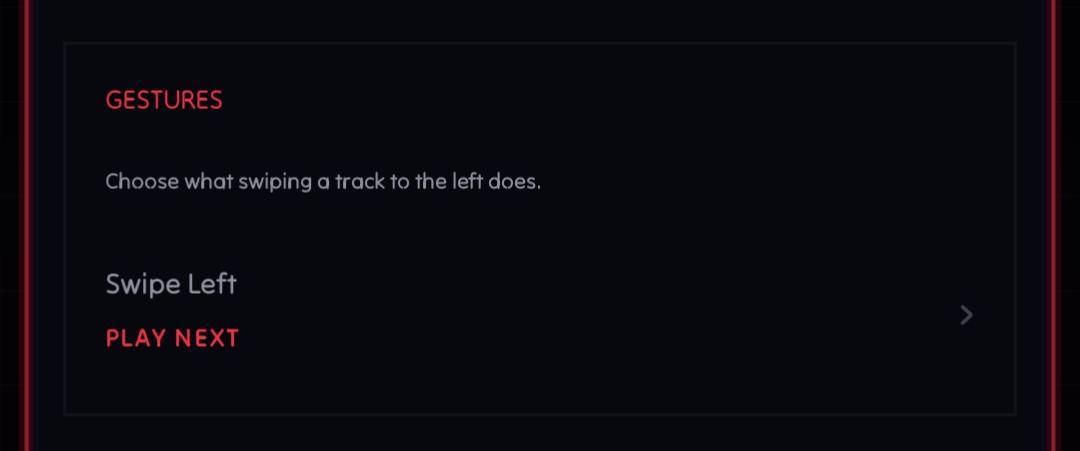
Track swipe gestures in the library previously had a fixed behavior. You can now assign a custom action to the swipe gesture. Add to queue, play next, add to playlist, or a few other options. It's under Playback Settings.
There's also a bug fix: album art was not loading for tracks missing MediaStore thumbnails. Those tracks would show the placeholder even when the file had embedded artwork. It's fixed now. It's one of those issues that only shows up on certain devices depending on how MediaStore indexed the library, which is why it took this long.
That's 1.0.0. The next update is already in the works and it's gonna be a big one for lyrics! ;)