NEOMUSIC

Stop settling for standard. This is music, re-imagined and hand-crafted in neon.
Available for Android
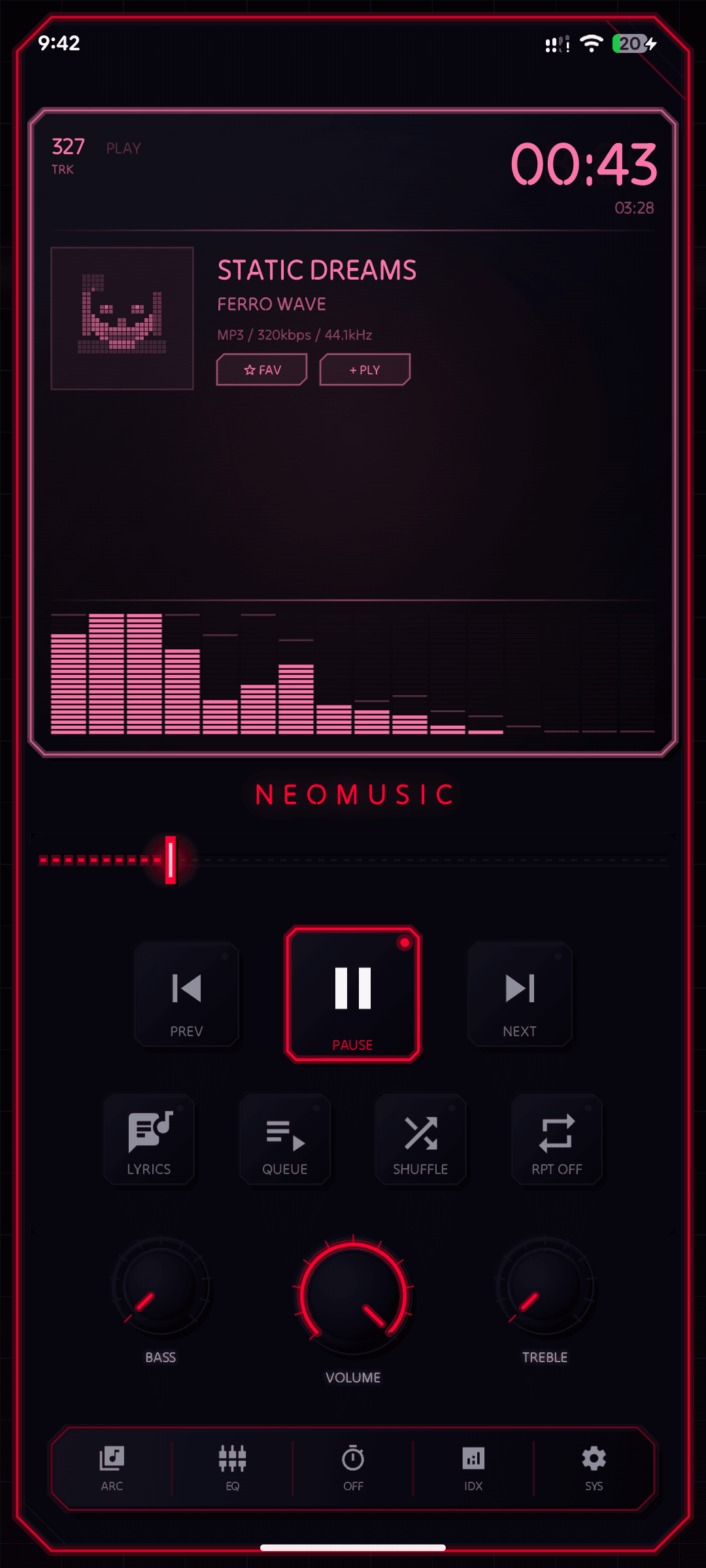
NeoMusic Player Main Screen

BUILT DIFFERENT

I threw away the rulebook to build a music player that looks and feels like no other.

Zero Material UI

Zero Material UI

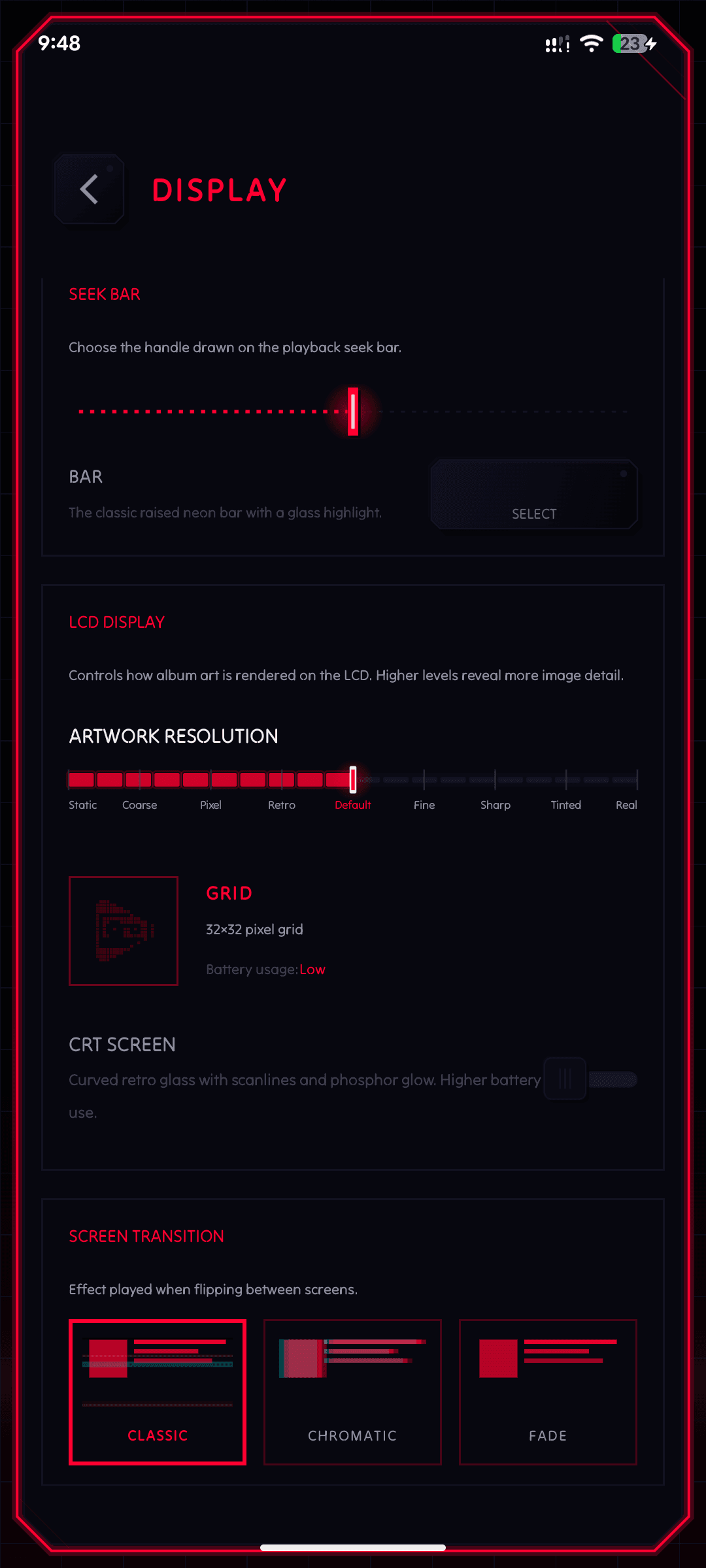
Every button, border, and animation is hand-drawn using the Android Canvas API. No Material Design components, no UI kits - just pixel-perfect custom rendering that looks like nothing else on Android.

Interactive Spectrum

Interactive Spectrum

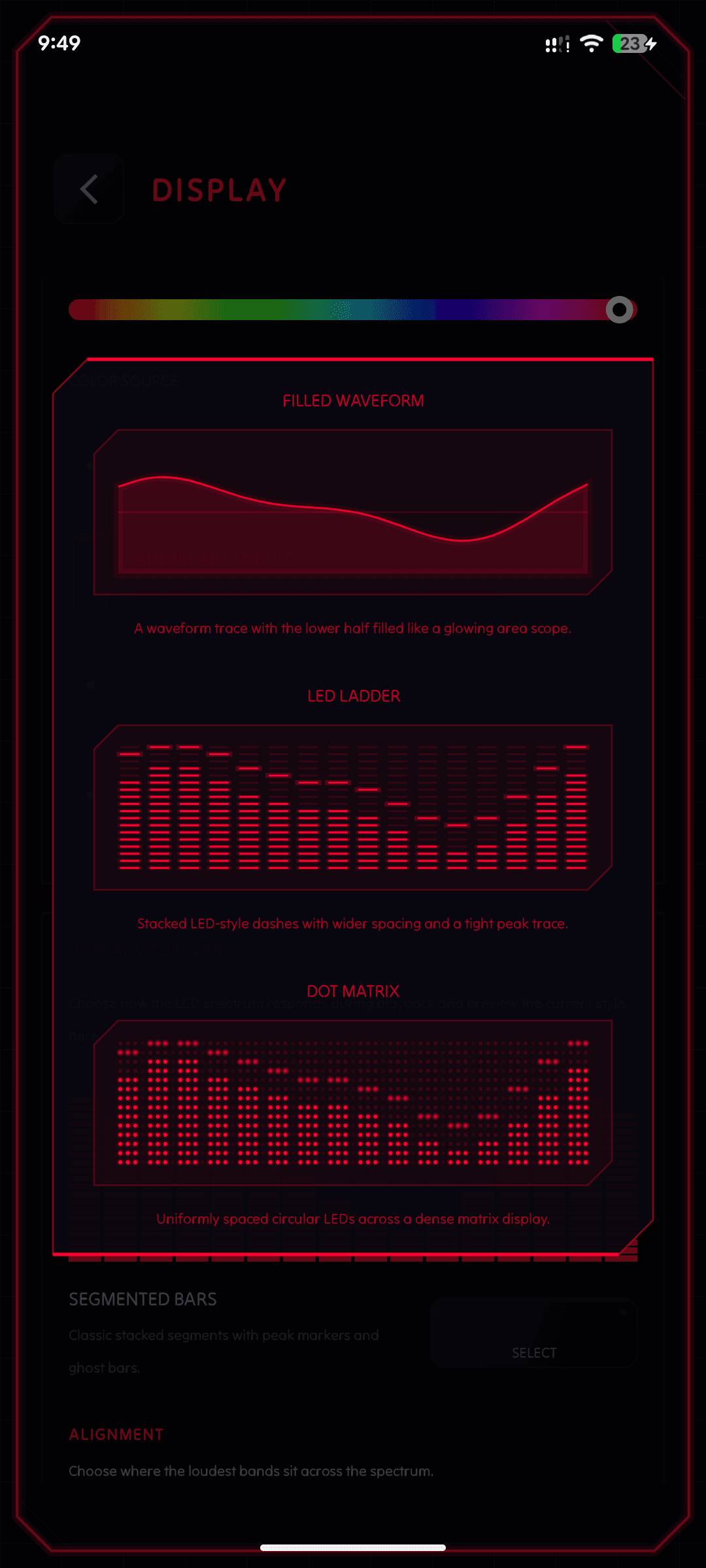
A 1024-point FFT drives 16 logarithmically-spaced frequency bands rendered at 60 FPS with spring-physics animations. Your music has never looked this alive in real time.

Analog Feeling

Analog Feeling

Rotary volume knobs and tactile seek bars push back when you touch them, complete with haptic feedback. The physical satisfaction of vintage audio hardware, reimagined for touchscreen.

Advanced Library

Advanced Library

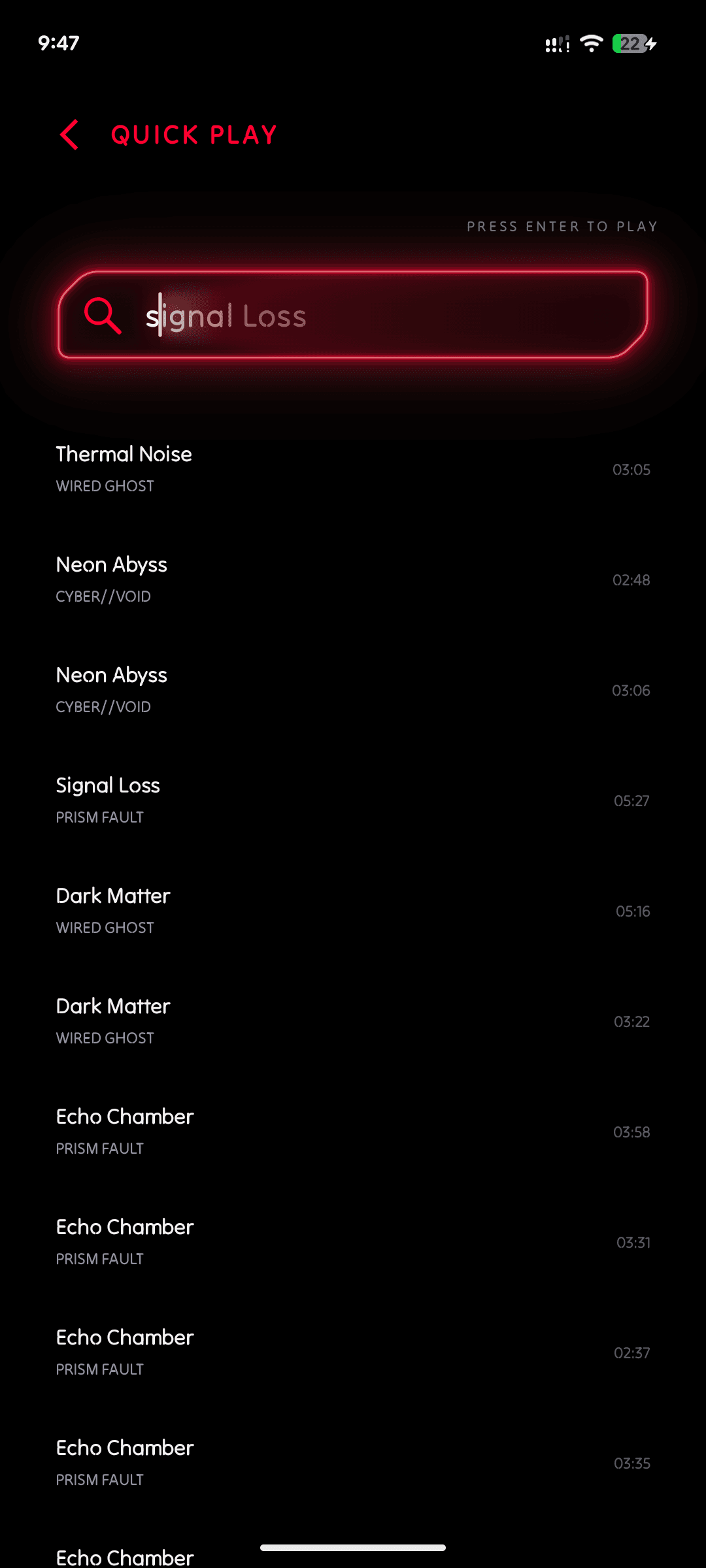
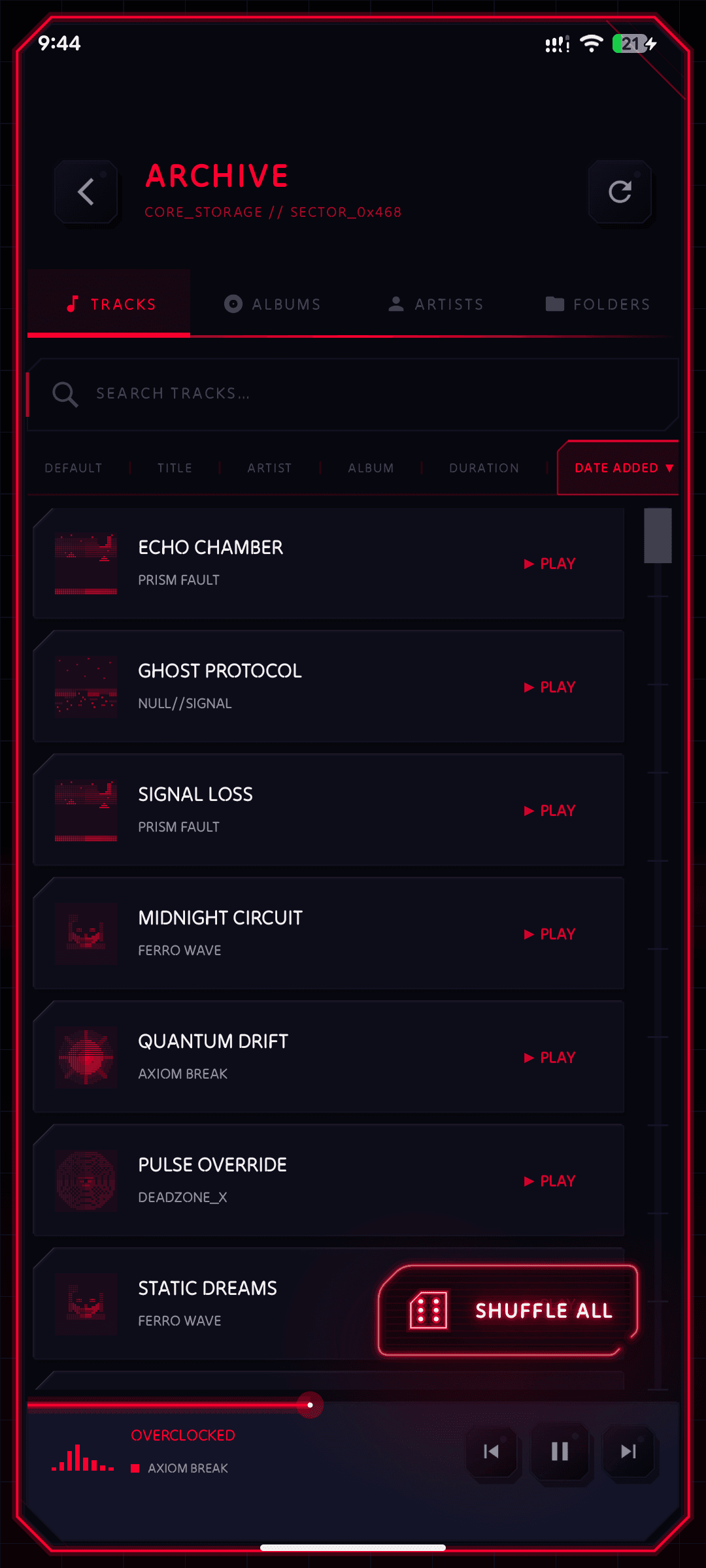
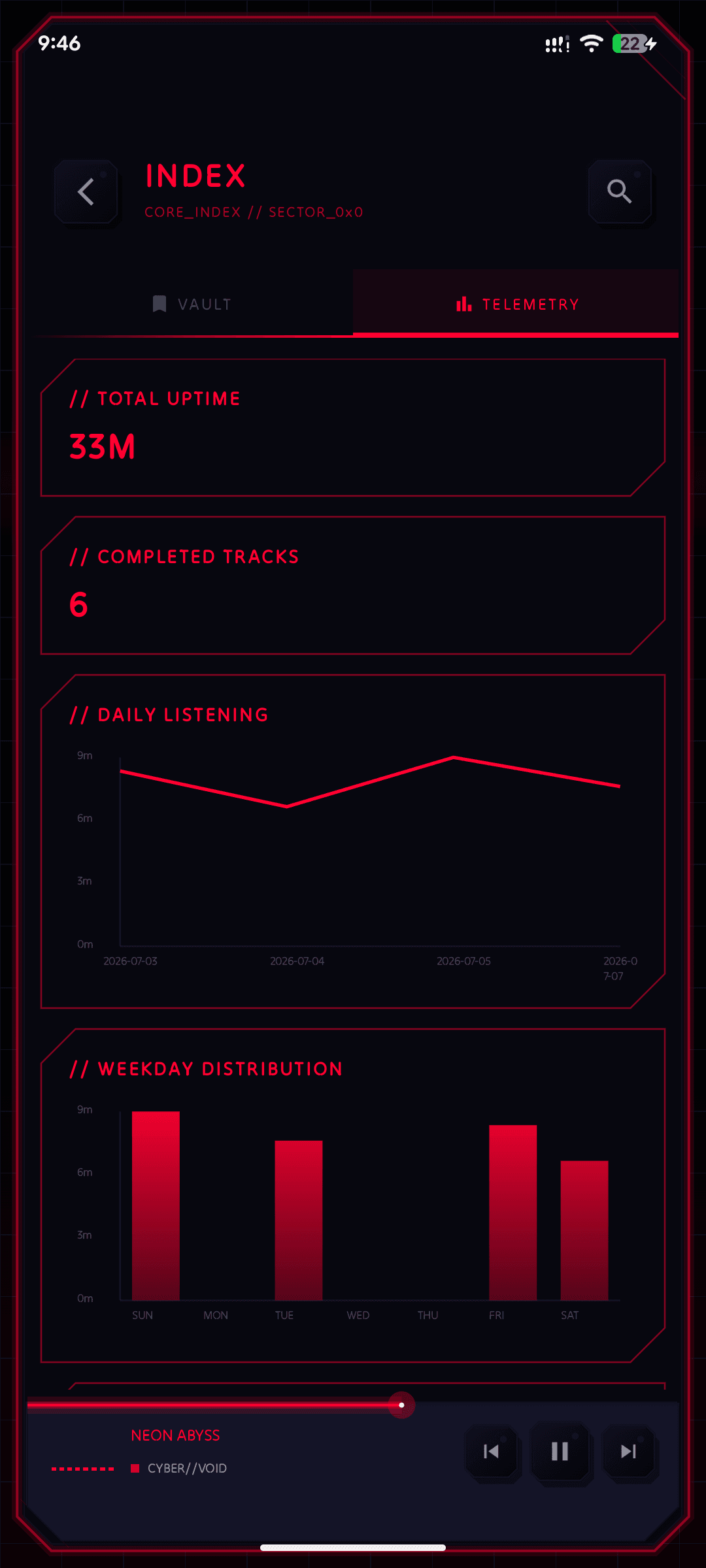
Browse your local music by tracks, albums, artists, or physical folder structure. Tap any track to see full file details - path, bitrate, format, and size. Swipe to queue, long-press to reorder.
Also Included

Everything you need, nothing you don't.

Synced Lyrics
LRCLib online lyrics with local caching
Android Auto
Browse and control from your car dashboard
Lock Screen
Pixel-art album art in notification shade
Built-in EQ
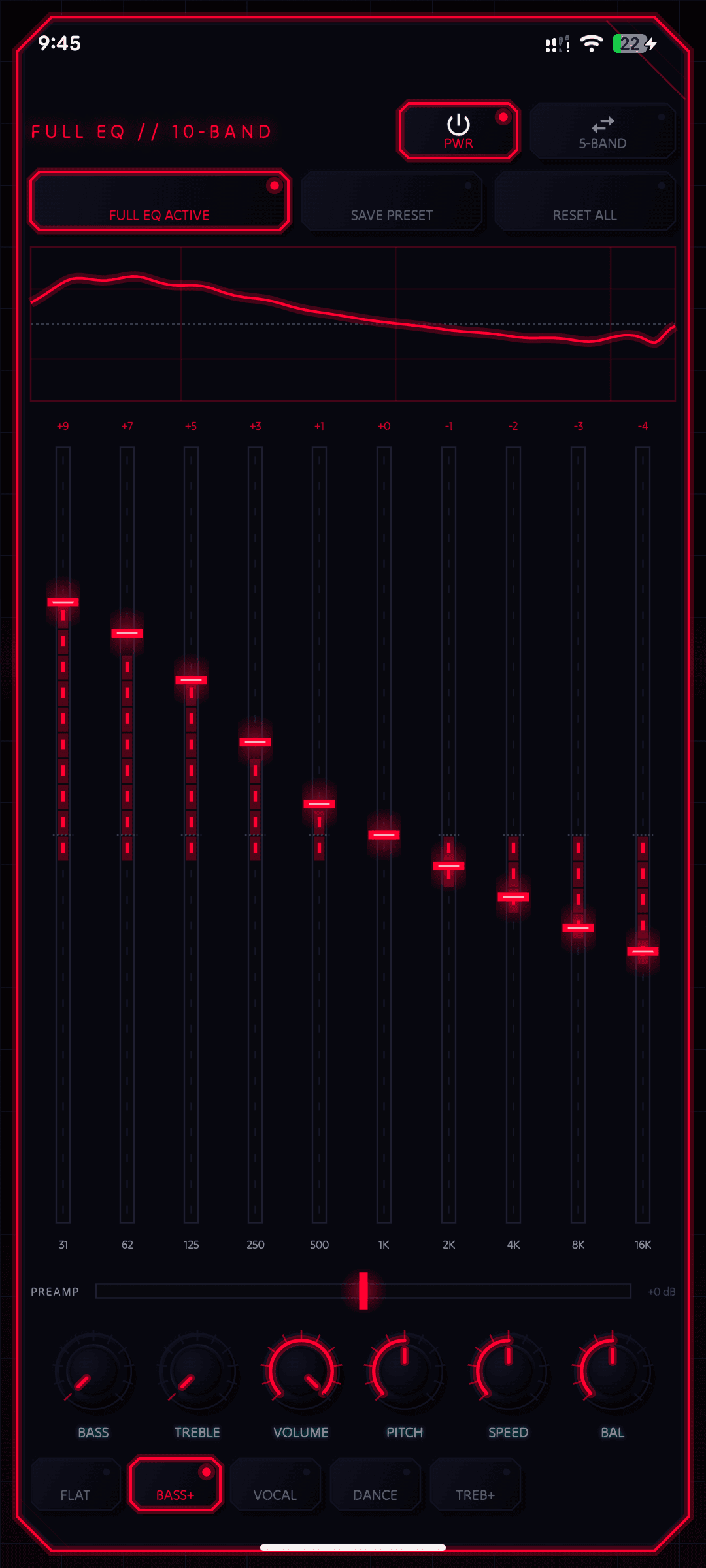
Bass boost & multi-band equalizer included
Sleep Timer
Auto-pause after a set countdown
FLAC & More
MP3, FLAC, AAC, OGG, WAV, OPUS, M4A
100% Offline
No internet, no account, no ads, no trackers
Android 7.0+
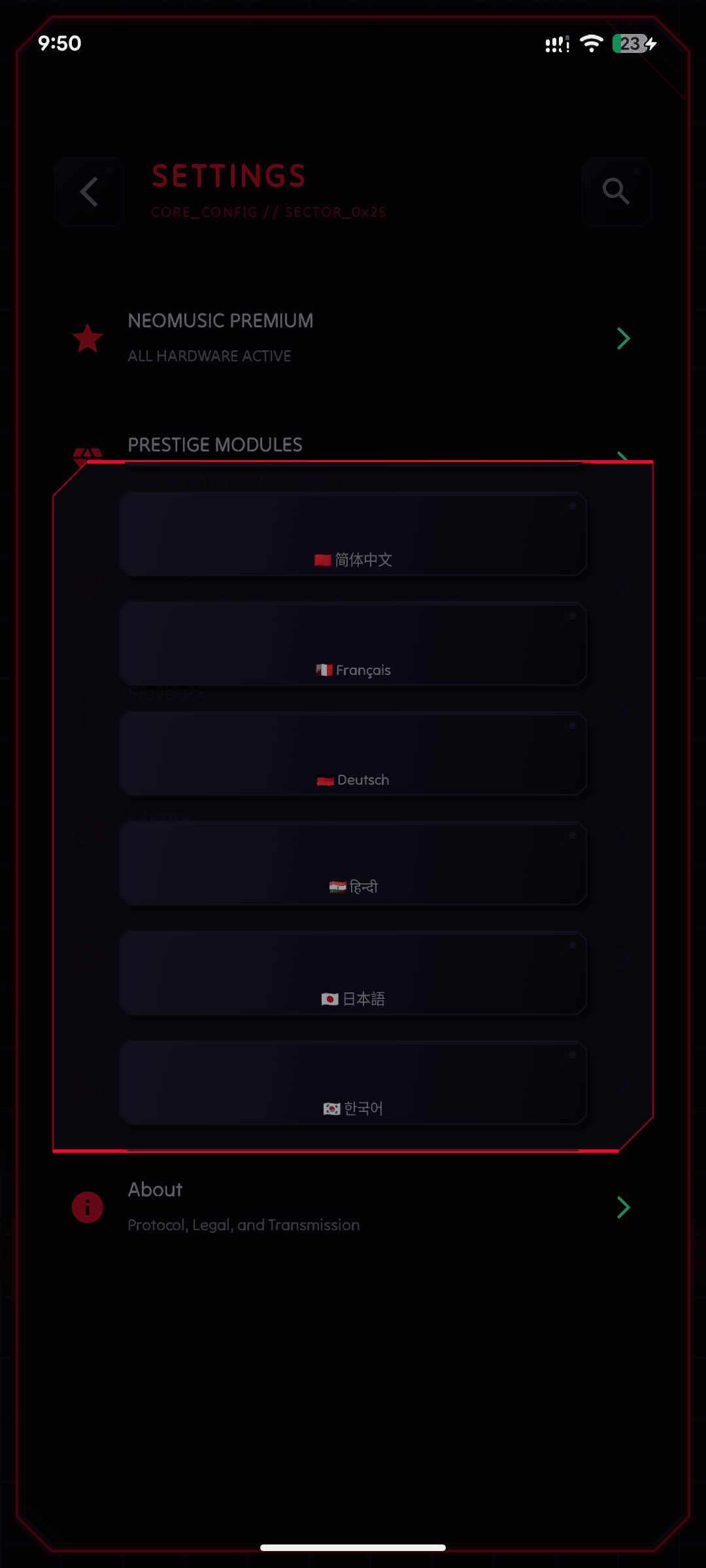
~5 MB install, 10+ languages supported

FEATURE HIGHLIGHTS

A walkthrough of everything NeoMusic brings to your music library.

UNDER THE HOOD

NeoMusic is built entirely in Kotlin using the Android Canvas API - bypassing the standard View system to draw every pixel directly. This gives precise control over rendering performance, animation timing, and visual fidelity that Material Design components simply cannot match.

1024-pt
FFT Resolution
60 FPS
Frame Rate
5 MB
Install Size
Canvas
UI Library
LanguageKotlin
Audio EngineMedia3 / ExoPlayer
RenderingAndroid Canvas API
LyricsLRCLib + local cache
Car IntegrationAndroid Auto
Min SDKAndroid 7.0 (API 24)
FormatsMP3, FLAC, AAC, OGG, WAV, OPUS...
Localization10+ languages

PEOPLE NOTICE

4.6

2,000+ Downloads

Google Play

Google Play Reviews
Best Music player ever created in terms of style of the UI and the feeling of using it. I appreciate the attention to Detail in animations and effekts.

Cooler N.

The app is fantastic. It combines everything you need. The last update with folders is exactly what I was waiting for. A well-deserved 5 stars, the visuals are top-notch.

Billi T.

Beautifully done. To be honest I haven't seen an original music player like this since.. Well ever lol. Def helps I'm a huge Cyberpunk fan and this hits the spot.

Sean S.

It's the best audio player I've ever had the chance to use, a super user-friendly interface, I love the retro/cyberpunk style. There are definitely no apps as good as this anymore. 20 out of 10.

Papi C.

This thing is out of this world, an incredible and stylish interface, but above all, it's awesome that it doesn't have ads. 10/10.

Christopher D.

The app is very good, the design and interface are excellent; it's truly a great application.

Johan D.

From the Community
Really refreshing idea. Love the custom UI and privacy-first approach. Just make sure usability stays intuitive. Looks promising.
ngl the knob + haptics thing sounds stupidly satisfying. i'd probably spend more time turning fake knobs than actually picking music.
The privacy, simplicity, and aesthetics all line up. Perfectly acceptable one-time price. This is the music player I didn't know I needed.

FAQ

Everything you need to know about NeoMusic.

NeoMusic is a free offline Android music player with a completely custom cyberpunk-inspired interface. Every button, border, and animation is hand-drawn using the Android Canvas API - no Material Design components are used anywhere. It features a 16-band real-time spectrum visualizer, physical-feeling rotary knob controls, glitch-transition effects, and a neon aesthetic that makes your music feel alive.
Yes. All core features - including the spectrum visualizer, equalizer, Android Auto support, folder browsing, and online lyrics - are completely free with no ads and no account required. A one-time premium upgrade ($4.99) unlocks additional visual customization options.
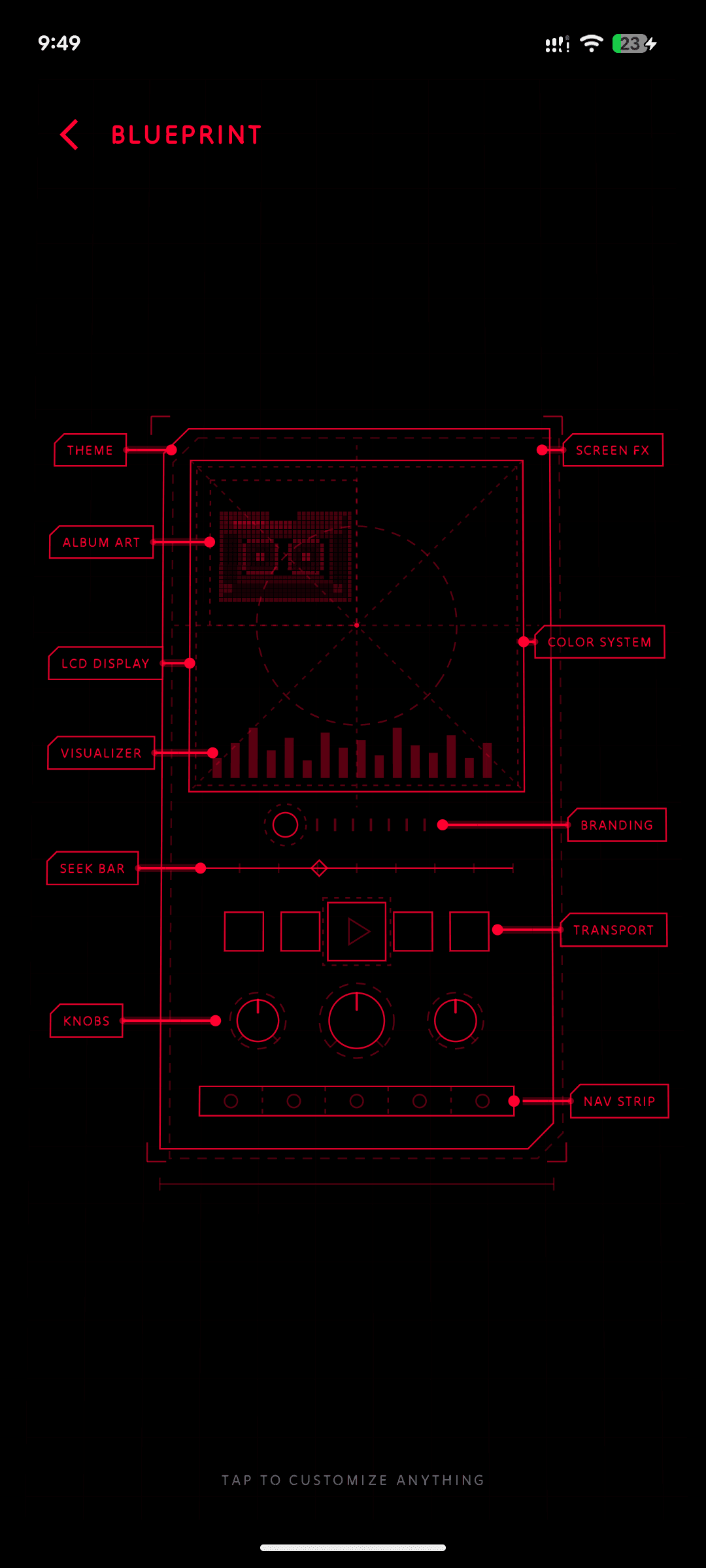
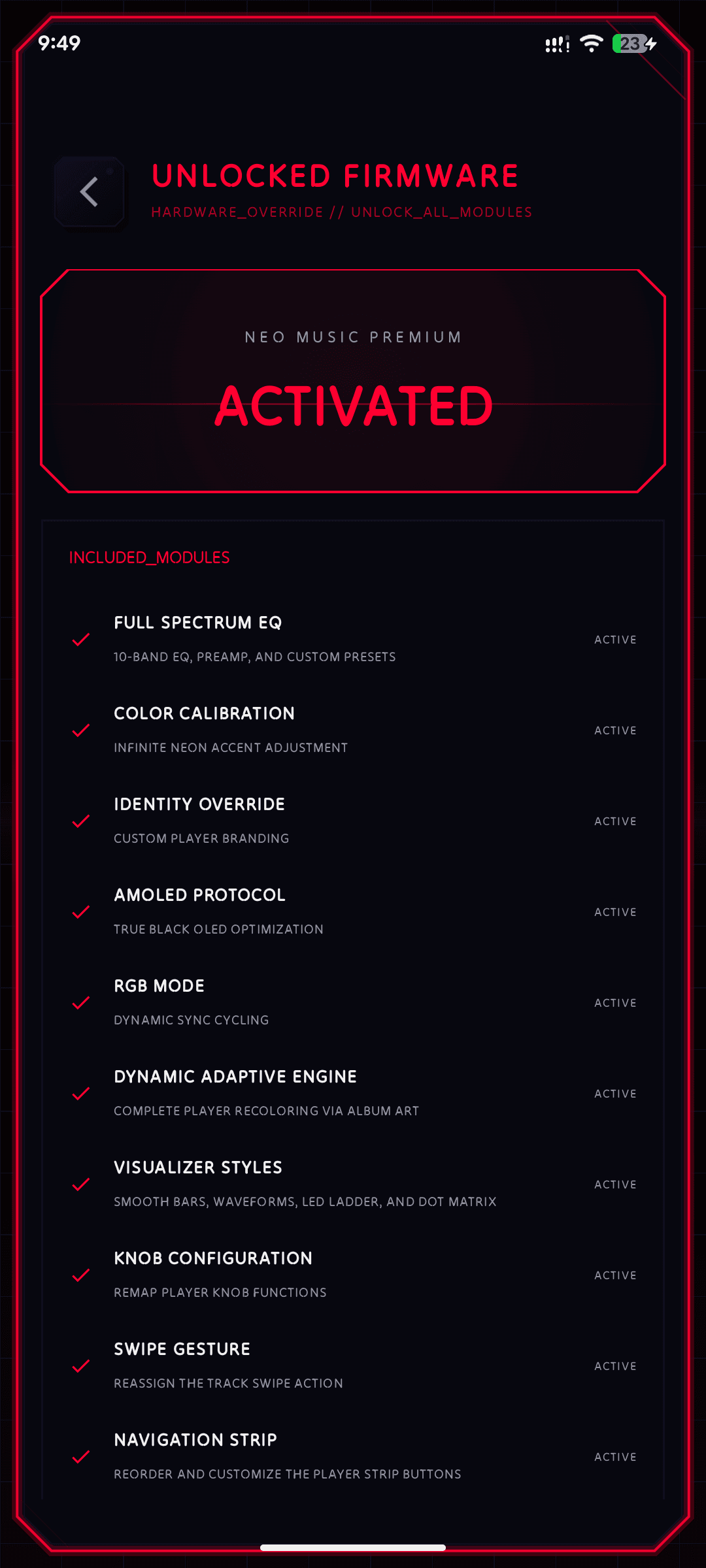
The premium upgrade is a one-time payment of $4.99. It unlocks dynamic RGB color mode, custom accent colors, AMOLED true-black mode, the Adaptive Color Engine, additional visualizer styles, and the ability to rename the app. There is no subscription.
Yes. You can create, rename, reorder, and delete playlists, add tracks from anywhere in the app, and shuffle them. NeoMusic also tracks favorites and maintains a persistent queue that survives closing and reopening the app.
Yes. NeoMusic displays synced and plain lyrics. Embedded lyrics in your audio files are shown first. If none are found, the app can optionally fetch synced lyrics from LRCLib and cache them locally for offline use.
Yes. In addition to browsing by tracks, albums, and artists, NeoMusic has a folder view that reflects the actual directory structure of your storage.
Yes - 100% offline. NeoMusic plays audio files stored on your device and never requires an internet connection for playback.
NeoMusic runs on Android 7.0 (Nougat) and above with an install size of approximately 5 MB.
NeoMusic supports all major audio formats including MP3, FLAC, AAC, OGG, WAV, OPUS, M4A, and more. It uses the Media3 / ExoPlayer engine for reliable playback.
Yes. NeoMusic includes a built-in bass boost and multi-band equalizer. No third-party equalizer app is needed.
NeoMusic is a local music player, not a streaming service. It plays audio files you already own and have stored on your phone. There are no subscriptions, no internet required for playback, no tracking, and no account.
Yes. NeoMusic is Android Auto ready. You can browse by tracks, albums, or artists and use shuffle directly from your car dashboard display.
No. NeoMusic is Android-only. It is built entirely with the Android Canvas API and targets Android 7.0 and above.
No. NeoMusic requires no account, no login, and no internet connection. It collects no usage data, telemetry, or personal information.
NeoMusic was built by Tashila Pathum, an indie Android developer from Sri Lanka. Every pixel of the UI was hand-crafted using the Android Canvas API.
NeoMusic is available for free on the Google Play Store. Tap the Google Play button on this page to install it on any Android 7.0+ device.